Ask better decision questions
Help students slow down by naming the situation, hurdles, outcomes, options, support, evaluation, and resolution.

Tool
A simple decision-making tool that helps students and teams ask better questions, make clearer choices, and explain why.
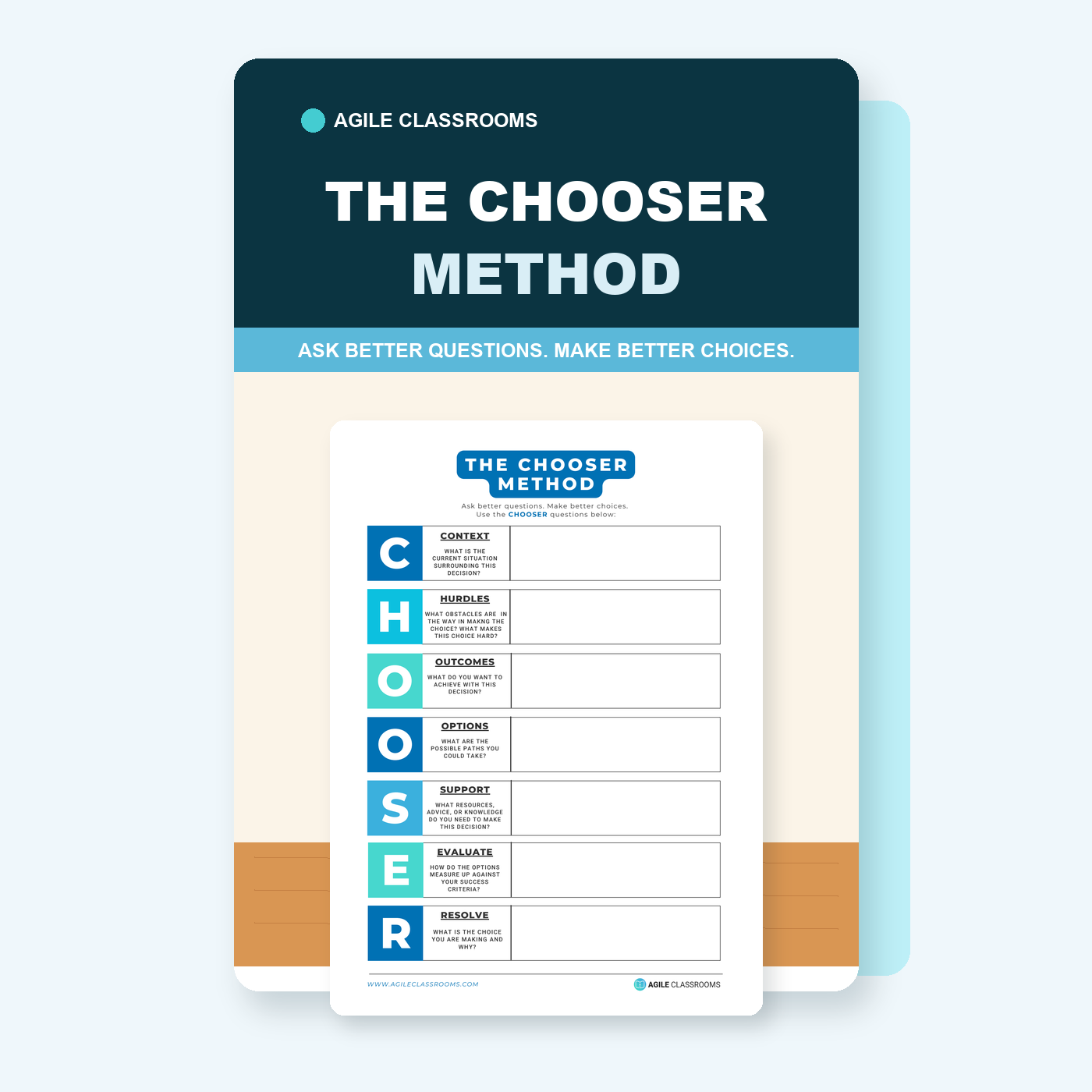
Help students slow down by naming the situation, hurdles, outcomes, options, support, evaluation, and resolution.
Give teams a shared structure for seeing what they know, what is hard, and what help they need.
Turn scattered opinions into a choice students can explain.
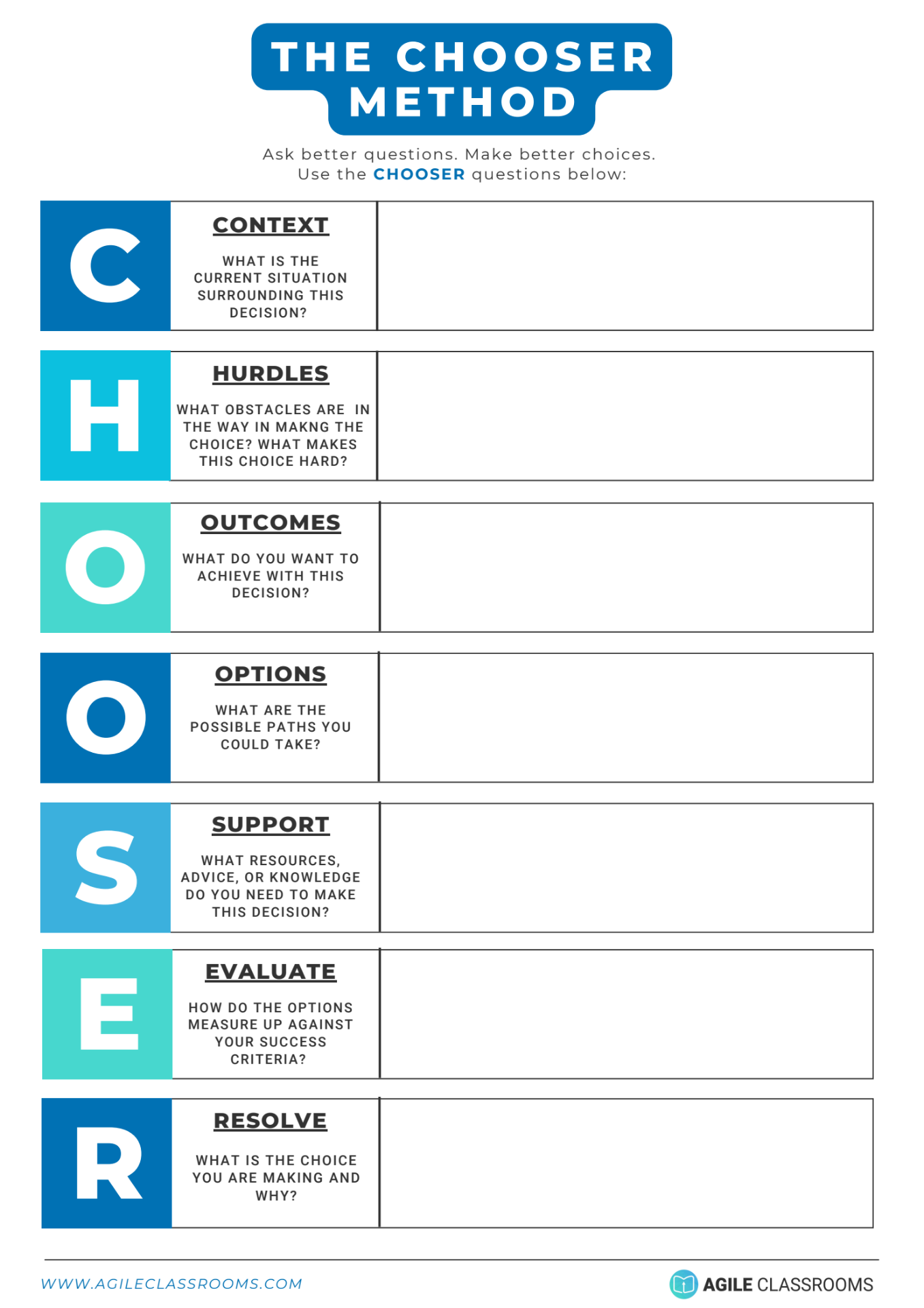
The template walks students through seven prompts before they resolve a choice.
What is the current situation surrounding this decision?
What obstacles are in the way, and what makes this choice hard?
What do you want to achieve with this decision?
What possible paths could you take?
What resources, advice, or knowledge do you need?
How do the options measure up against your desired outcomes?
What choice are you making, and why?
Describe the current situation surrounding the decision.
Identify what makes the choice hard.
Name what the student or team wants to achieve.
Put possible paths on the table before deciding.
Name the advice, resources, or knowledge needed.
Compare options against the outcomes that matter.
State the decision and why it makes sense.
Students often need practice making decisions, not just permission to choose. The CHOOSER Method gives them seven prompts for slowing down, naming what matters, and explaining why a choice makes sense. It also helps teams collaborate. When each question is answered together, students can disagree more productively and move forward with a shared reason for the choice.
This resource supports decision-making, communication, collaboration, critical thinking, and self-management. These are suggested connections, not a formal standards alignment.
Download the free CHOOSER Method and help students ask better questions, make decisions, and explain their choice.
Download for free