Student reflection gets thin when the prompt is too broad.
Ask students "How did it go?" and many of them will answer with something like "good," "fine," "we worked well," or "we need to communicate better next time." Those answers may be honest, but they are not specific enough to improve the next round of work.
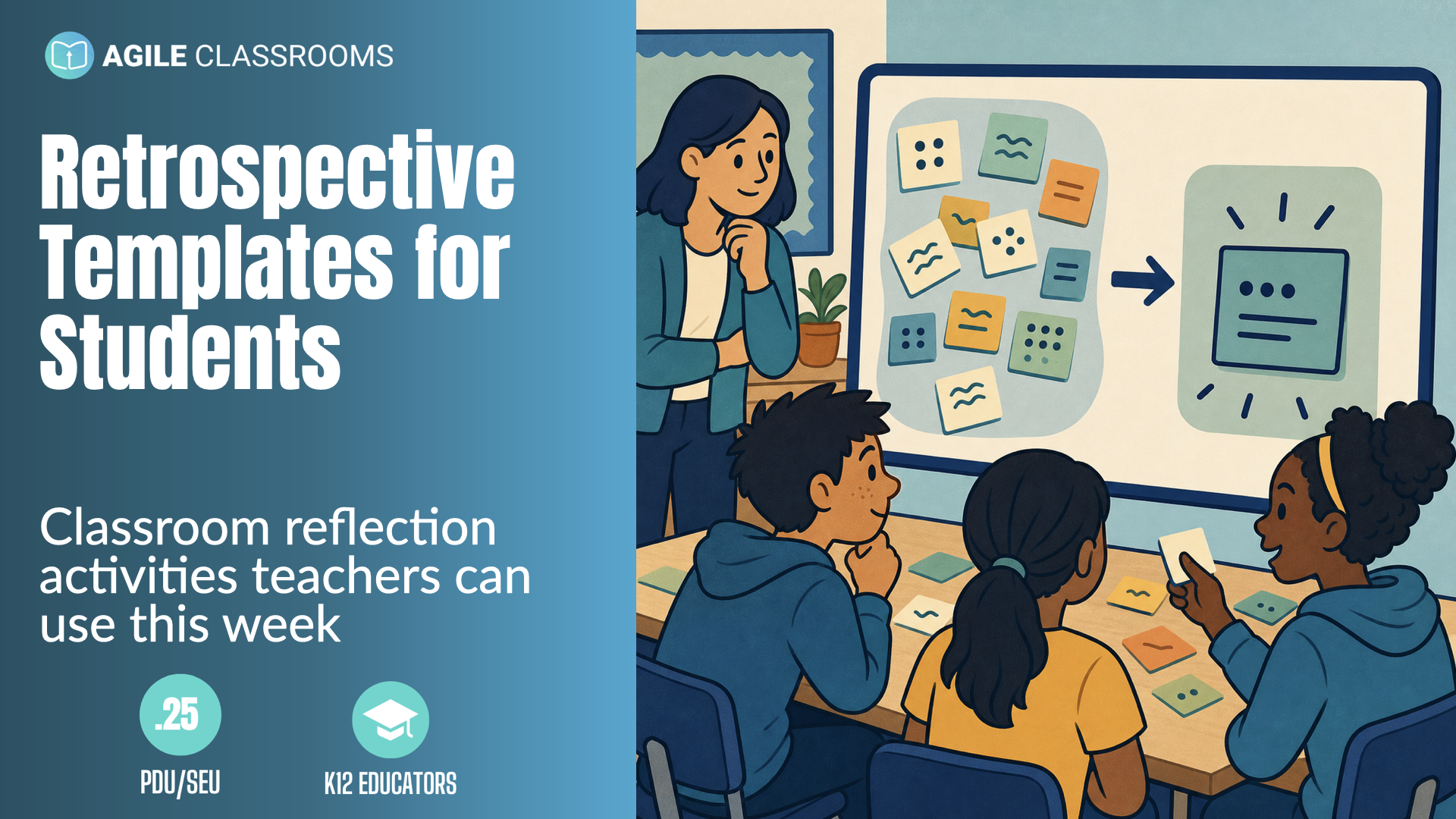
A classroom retrospective gives students a better structure. It is a short reflection routine that helps students look back at how they learned, worked, and collaborated so they can choose one practical improvement for next time.
The templates below are built for classroom use. Use them after a project, group task, lab, presentation, writing cycle, design challenge, learning sprint, or Friday reflection.
The point is not to make students learn Agile vocabulary.
The point is to help them notice what happened, talk about it respectfully, and leave with a next step they can actually try.
What Makes a Good Classroom Retrospective?
A good classroom retrospective does not need to be long. In most K-12 settings, 10 to 20 minutes is enough.
What matters is the flow. Students need a way to review what happened, share how the work felt, identify what helped or got in the way, and decide what to improve. The teacher's job is to keep the conversation specific, respectful, and focused on things students can influence.
That last part matters. A retrospective can turn into complaining if students only name what frustrated them. It can also turn into shallow positivity if students only name what went well.
The useful move is to connect reflection to action: what should we repeat, adjust, stop, try, or ask for next time?
Use the templates as scaffolds. Start with more teacher guidance when students are new to retrospectives. As they build confidence, let students facilitate more of the conversation, choose the template, or help decide the next improvement goal.
How to Run Any Template in 10 Minutes
- Pick one template before class. Tell students the purpose in plain language: "We are looking at how the work happened so we can make the next round better."
- Give students two or three minutes of quiet writing before anyone speaks. This keeps the reflection from being dominated by the fastest talkers and gives hesitant students a safer entry point.
- Move through the template prompts quickly. Ask for specific examples from the work: a moment, a decision, a tool, a habit, a challenge, or a team interaction. If students drift into blame, redirect with, "What part of our process can we adjust next time?"
- End with one improvement goal. It should be small enough to try in the next class, project round, or team meeting. If students cannot try it next time, it is too big.
- Write the goal somewhere visible and revisit it the next time students work together.
Glow Grow Go
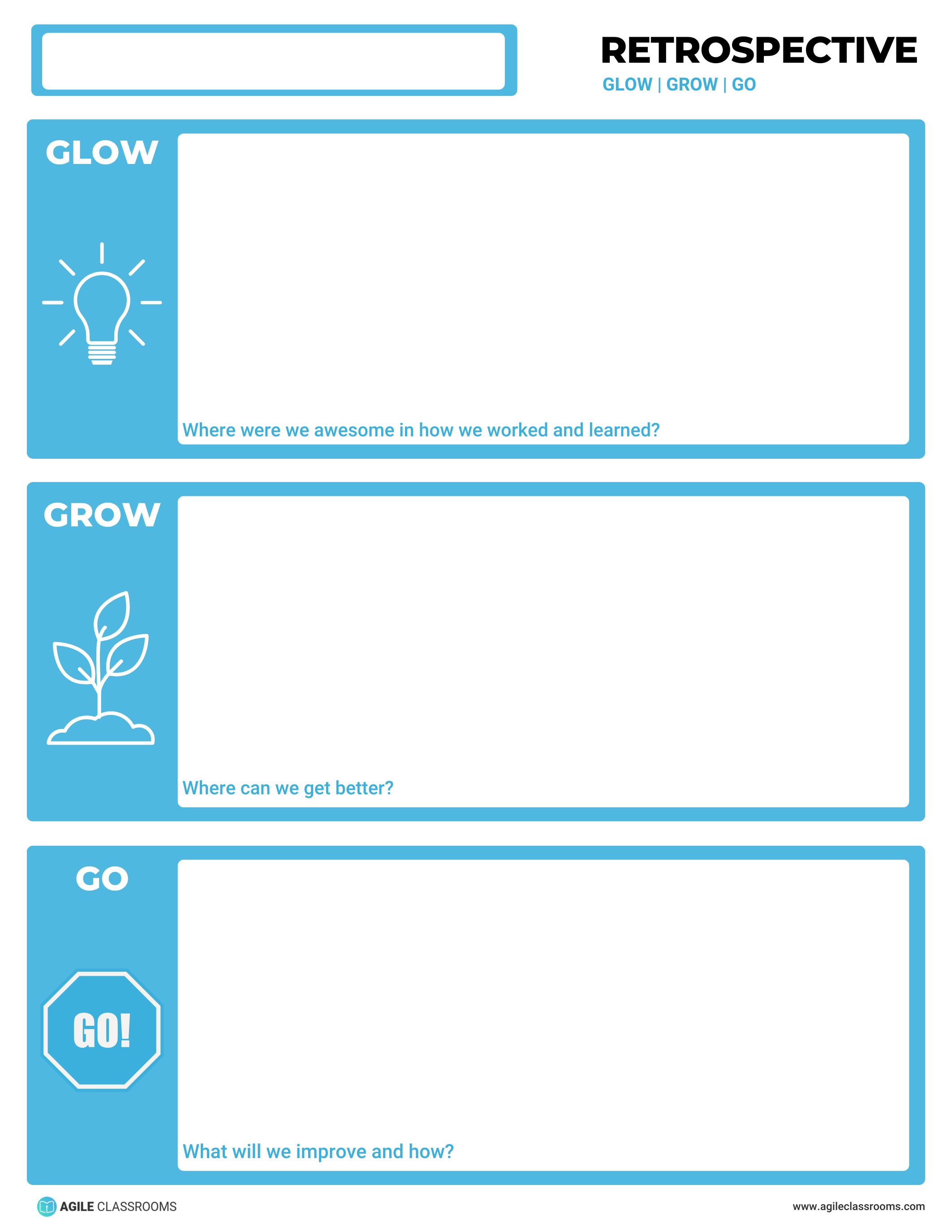
Best used when you need a quick classroom retrospective that still ends with a next step.
Glow Grow Go keeps student reflection simple. Students name where they were awesome in how they worked or learned, where they can get better, and what they will improve next. That makes it a strong default retrospective template for the end of a learning sprint, group project, lab, discussion cycle, or Friday reflection.
To run it, give students one quiet minute for each prompt. Ask for one concrete example of a Glow before moving to Grow. Then use Go to choose one improvement goal the group can try in the next round of work. Write the Go statement where students will see it again.
Facilitation tip: do not let Go become a wish. Push for an observable action, such as "check each other's slides before submitting" or "ask for help before the final 10 minutes."
Start Stop Keep
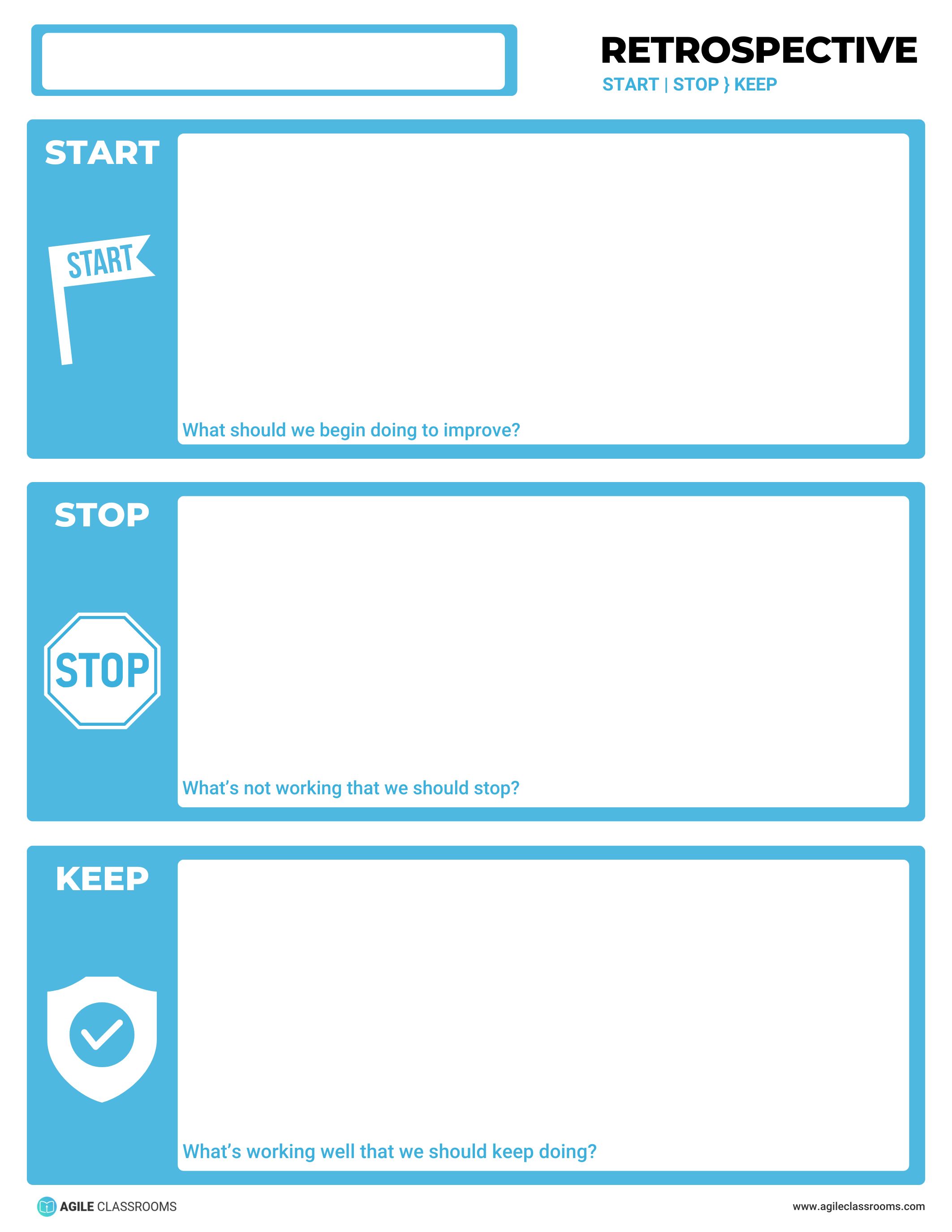
Best used when students need to reset the habits or behaviors shaping their work.
Start Stop Keep is direct. Students decide what they should begin doing, what is not working and should stop, and what is working well enough to keep. It works well when the class has repeated patterns: late starts, uneven participation, unclear roles, rushed final checks, or meetings that wander.
Run it by having students write one note for each column. Then ask the group to choose only one Start, one Stop, and one Keep to carry forward. The goal is not to fix everything. The goal is to make the next round of work more coherent.
Facilitation tip: keep Stop focused on behaviors and processes, not people. "Stop waiting until the last day to combine our work" is useful. "Stop letting one person take over" may need to be reframed as an agreement about roles, airtime, or decision-making.
Rose Thorn Bud
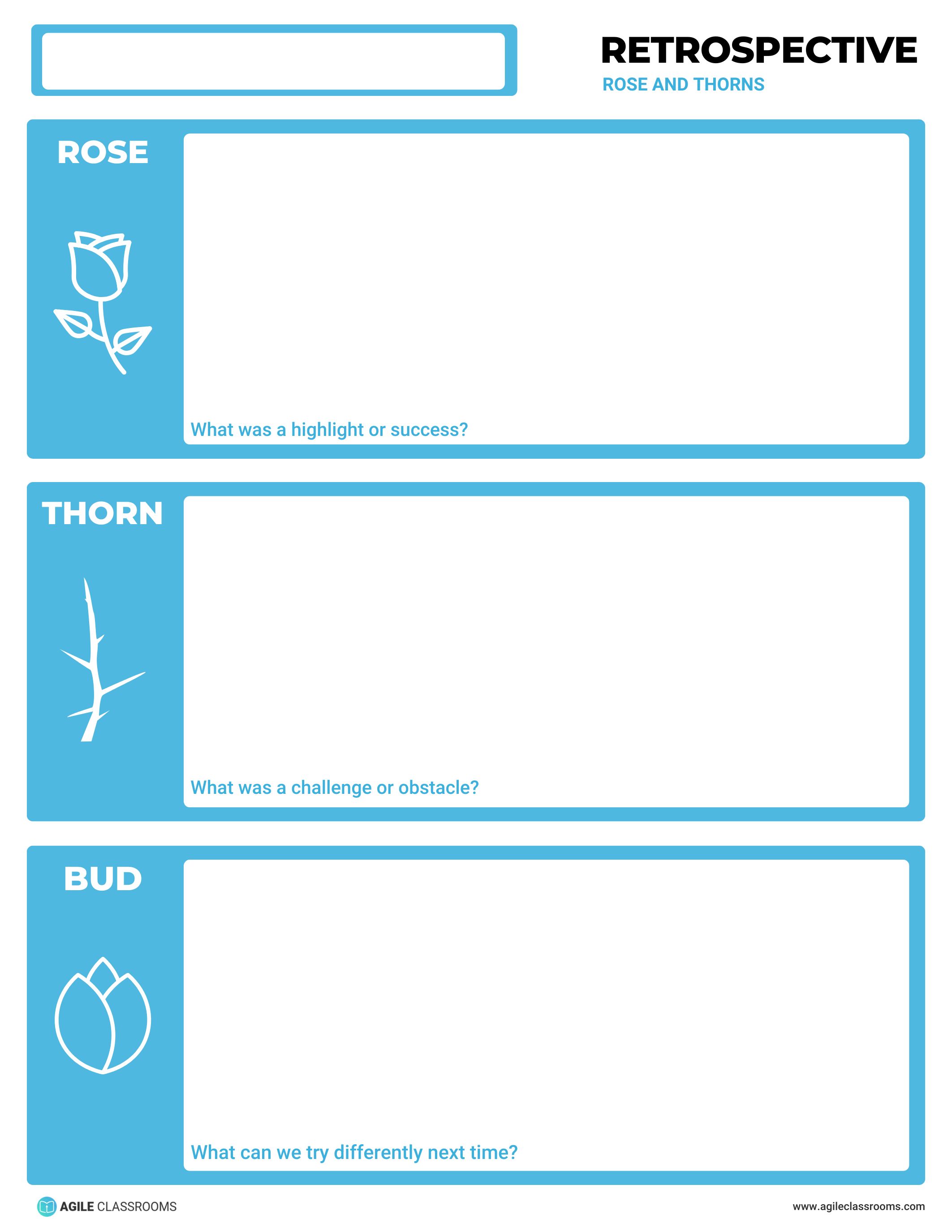
Best used when students need a simple structure for naming a success, a challenge, and a next try.
Rose Thorn Bud is easy to understand. The Rose is a highlight or success. The Thorn is a challenge or obstacle. The Bud is what students can try differently next time. This makes it a good classroom reflection activity for younger students, mixed groups, or teams that are still learning how to talk about problems safely.
Use it after a lesson sequence, writing workshop, science lab, design sprint, presentation, or group task. Give students time to write before they share. Start with Rose to build safety, move to Thorn with specific examples, and close with Bud so the reflection becomes useful.
Facilitation tip: if students name a Thorn that is outside their control, ask, "What part of that can we influence next time?" That question helps students practice agency without pretending they control everything.
Weather Forecast
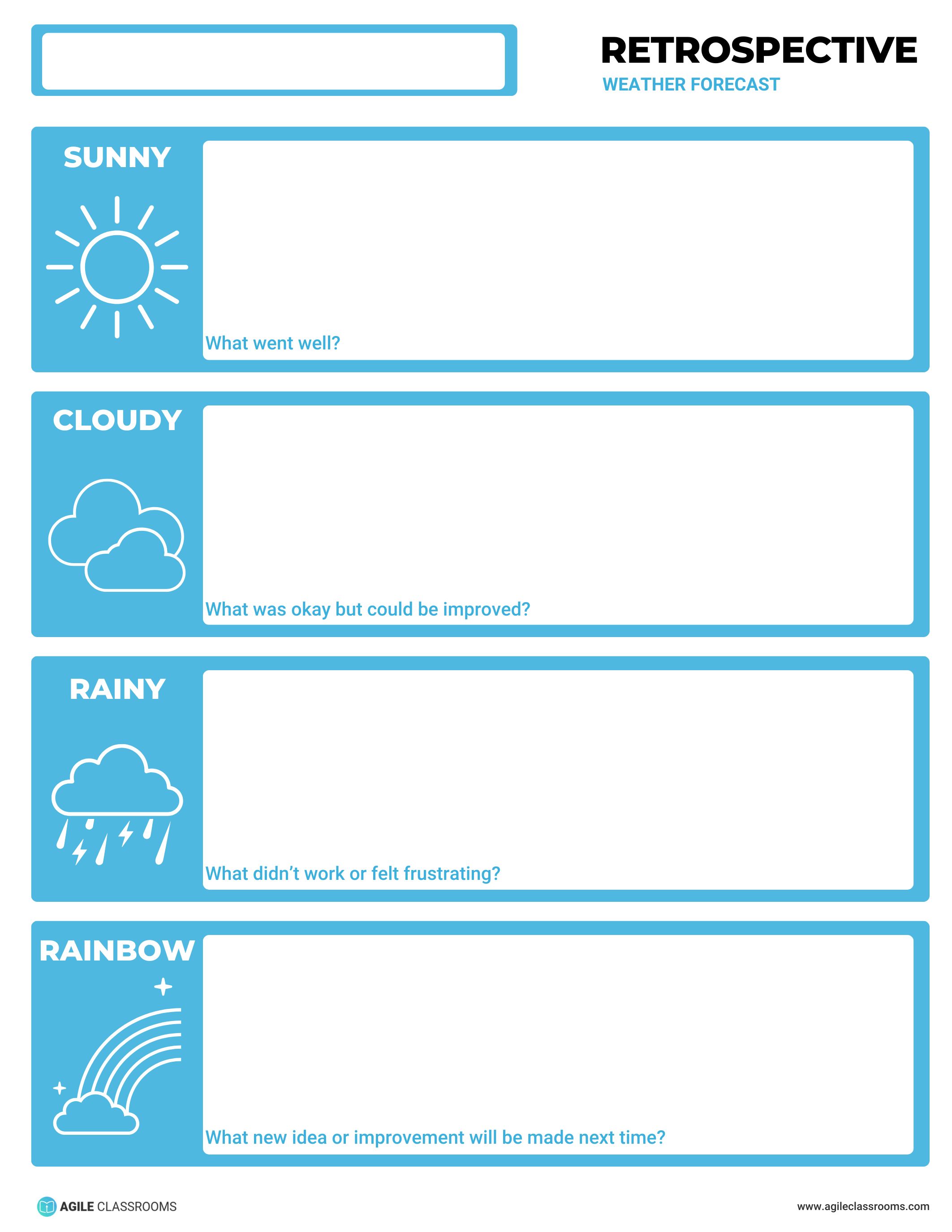
Best used when students are new to retrospectives or need an emotionally safe entry point.
Weather Forecast uses simple categories: Sunny for what went well, Cloudy for what was okay but could improve, Rainy for what did not work or felt frustrating, and Rainbow for the new idea or improvement students will make next time.
This template is especially useful with younger students or hesitant groups because it gives them language for mixed experiences. A student can say something was Cloudy without turning the reflection into a complaint. A team can name a Rainy moment and still end with a Rainbow.
To run it, ask students to draw, write, or place sticky notes in each weather category. Then have the group choose one Rainbow improvement to try next.
Facilitation tip: use Weather Forecast when psychological safety matters more than depth. The goal is to help students begin honest reflection, not force a sophisticated analysis on the first try.
See Feel Think Do
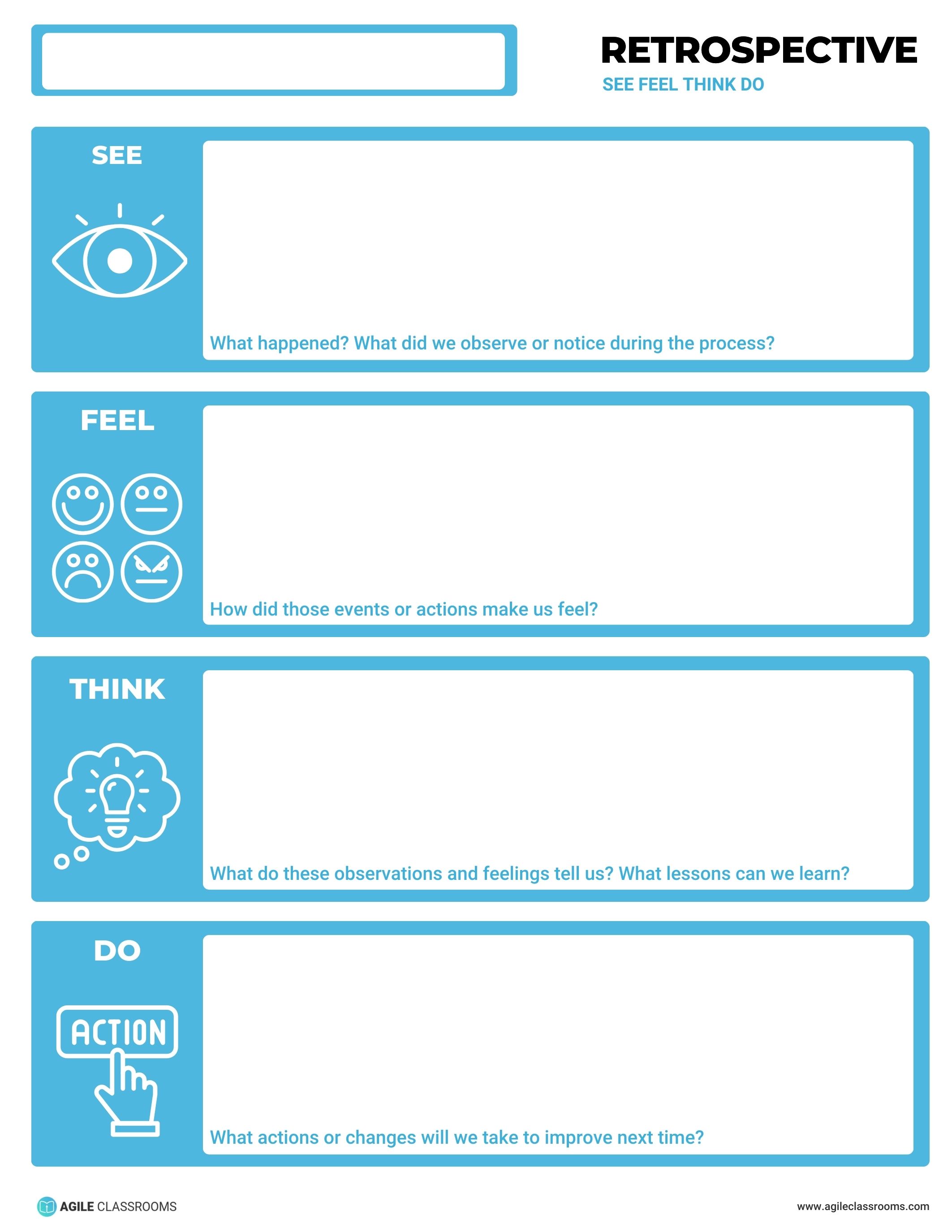
Best used when students need help moving from facts to feelings to lessons to action.
See Feel Think Do follows a clear reflection path. Students first name what happened or what they noticed. Then they name how those events or actions made them feel. After that, they explain what the observations and feelings might mean. Finally, they decide what action or change they will take next time.
This is a strong template when students jump straight to opinions or solutions. It slows the conversation down enough to build shared understanding before the group decides what to do.
Run it in four short rounds. Keep See factual. Let Feel be honest but respectful. Use Think to find patterns. Use Do to choose one next action.
Facilitation tip: if the group gets stuck in Feel, bring them back to evidence with, "What did we see or hear that led to that reaction?" That keeps the retrospective grounded.
Got 99 Problems
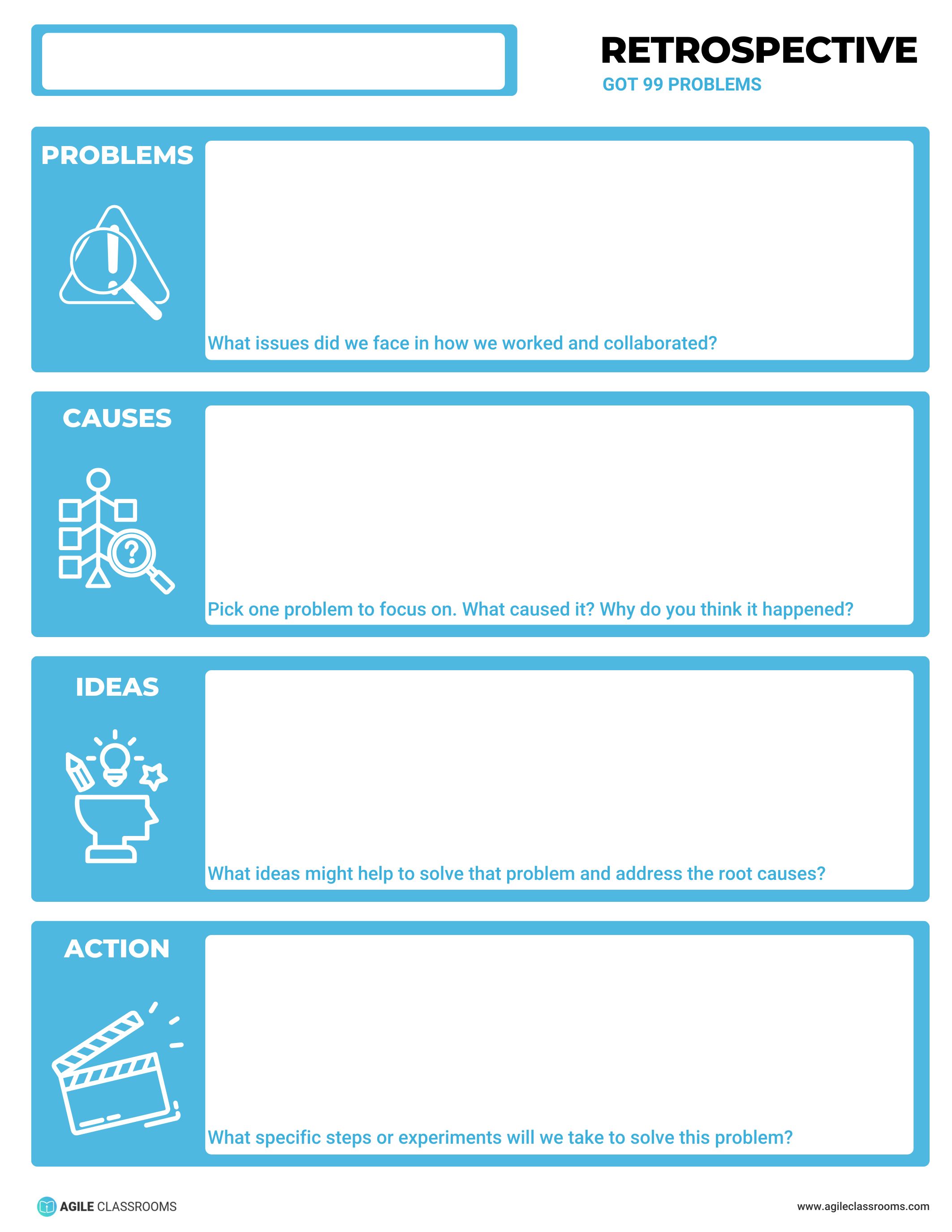
Best used when the class has many issues and needs to choose one problem it can actually improve.
Got 99 Problems helps students move from a long list of frustrations to one focused action. Students identify the problems they faced in how they worked and collaborated. Then they choose one problem, examine the causes, generate ideas, and commit to specific steps or experiments.
This template is useful when the same issues keep coming up: missed deadlines, uneven work, unclear communication, quality problems, conflict, or confusion about roles. It gives students a way to stop circling the problem list and start making one improvement.
To run it, collect the problems first, then ask students to vote or agree on one focus problem. Spend most of the time on causes and action.
Facilitation tip: do not let students solve five problems at once. A retrospective is more useful when one small experiment is actually tried than when ten vague solutions are named and forgotten.
Master Chefs
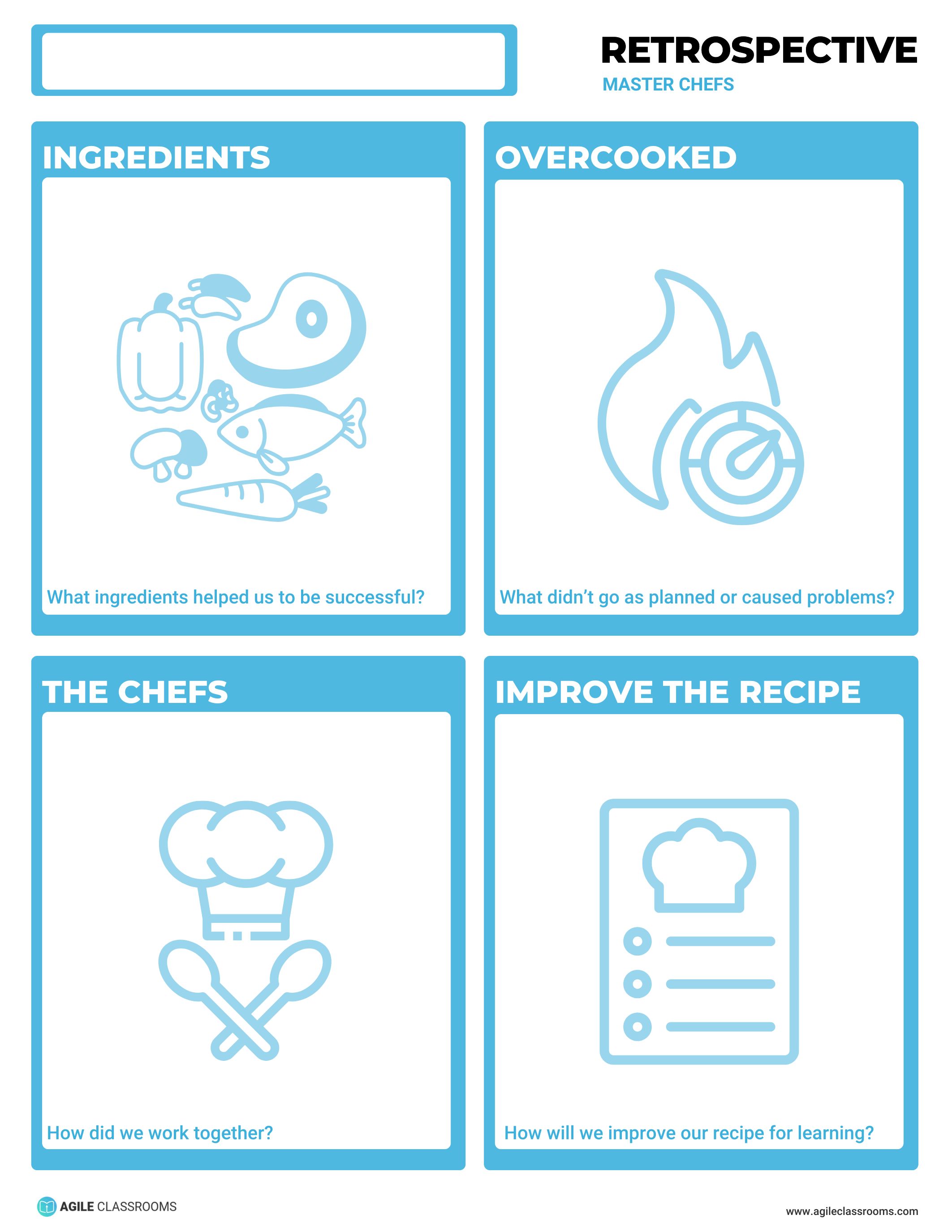
Best used when group work felt messy and students need language for the process.
Master Chefs asks students to think about the ingredients of successful work. They reflect on what helped them succeed, how the team worked together, what got overcooked or did not go as planned, and how they will improve the recipe for learning next time.
This template works well after collaborative projects because it shifts attention from the final grade to the way the group worked. Students can talk about roles, communication, planning, quality checks, and shared responsibility without making the conversation feel like a personal critique.
Run it by asking each student to add one ingredient and one overcooked moment. Then have the team agree on one recipe improvement for the next task.
Facilitation tip: ask for process examples. "We used a shared checklist" is stronger than "we worked hard." The more specific the ingredient, the easier it is to repeat.
Pilot Mission Debrief
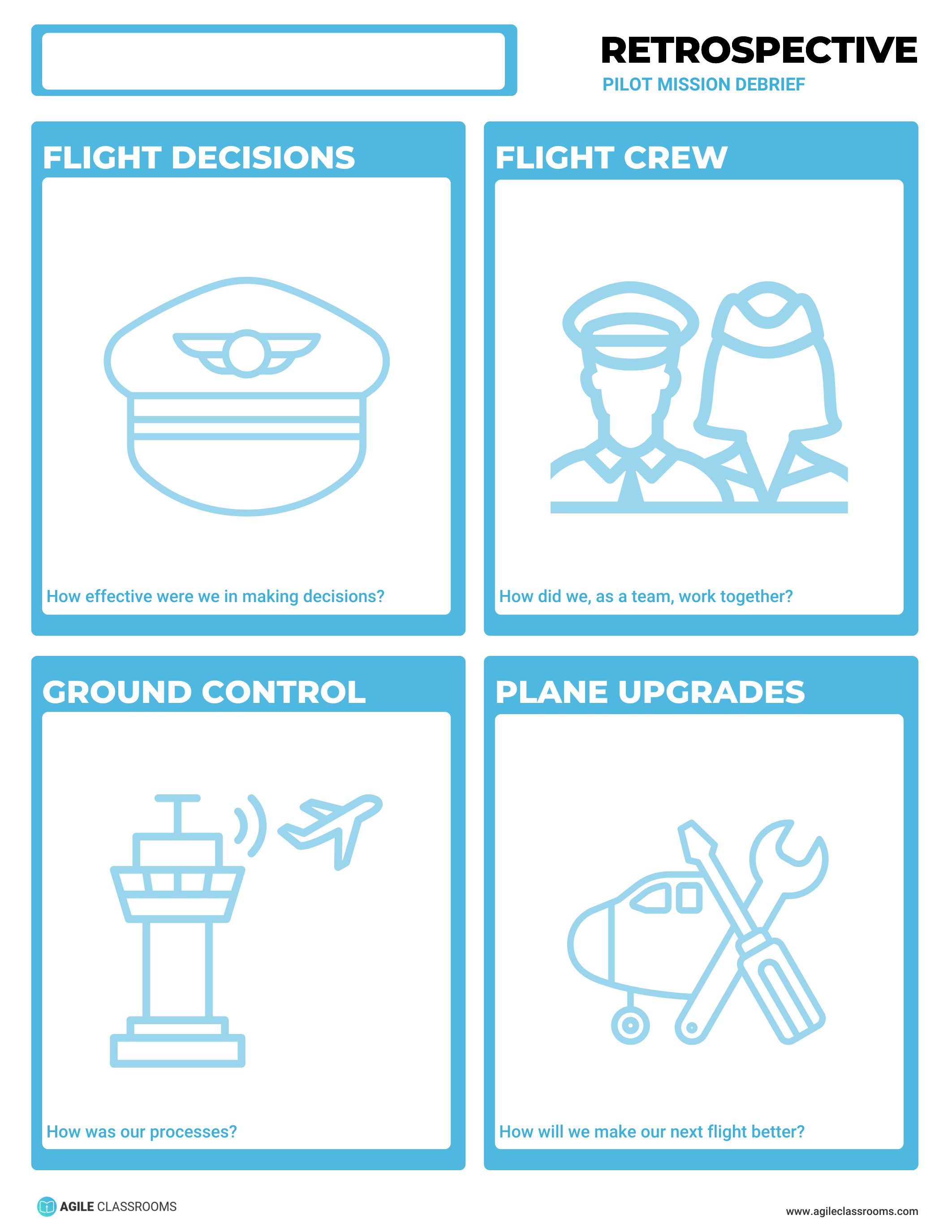
Best used when students need to examine process, decisions, and teamwork after a complex task.
Pilot Mission Debrief focuses on how the team operated. Students reflect on:
- Ground Control — how their processes worked
- Flight Decisions — how effective their decisions were
- Flight Crew — how the team worked together
- Plane Upgrades — how to make the next flight better
This template is useful after tasks with several moving parts: labs, design challenges, presentations, productions, competitions, or longer group projects. It helps students see that performance depends on process, not just effort.
Run it as a team discussion. Ask students to name one process that helped, one decision point that mattered, one teamwork pattern, and one upgrade for next time.
Facilitation tip: keep "process" concrete. Ask, "What did we do first? How did we divide work? How did we decide? How did we check quality?" Those questions make the debrief usable.
Superhero Squad
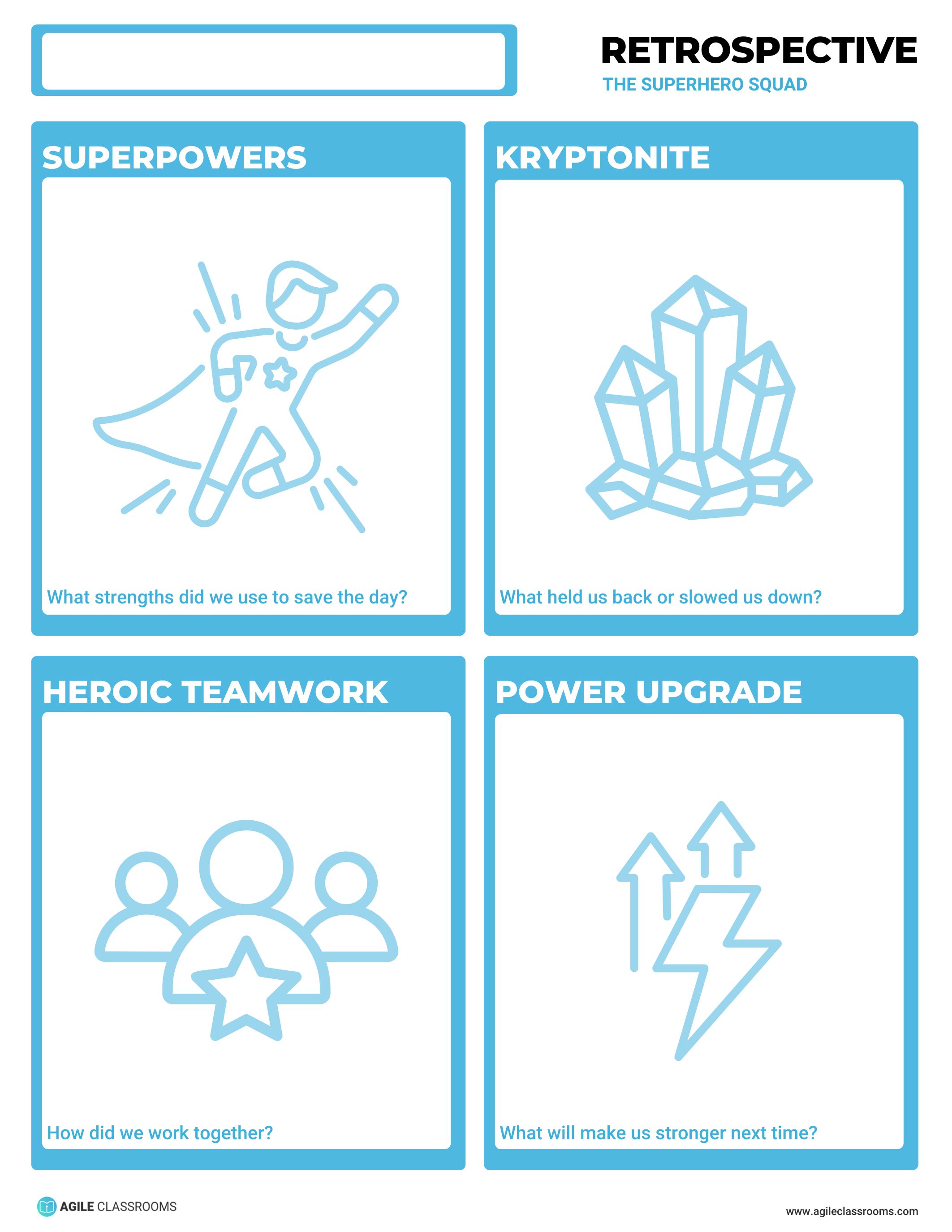
Best used when students need to recognize team strengths and team blockers.
Superhero Squad asks students to reflect on Heroic Teamwork, Superpowers, Kryptonite, and a Power Upgrade. In classroom language, that means how the team worked together, what strengths they used, what held them back, and what will make them stronger next time.
The superhero metaphor can make reflection easier for younger students or groups that need a safer way to name challenges. Students can talk about Kryptonite without making one person the problem.
To run it, start with Superpowers so students notice what they can build on. Then move to Kryptonite and ask for patterns, not blame. Close with one Power Upgrade the team will try.
Facilitation tip: do not let Power Upgrade become "work harder." Ask students to name a concrete team behavior, tool, or agreement that would make the next round easier.
UNO Game
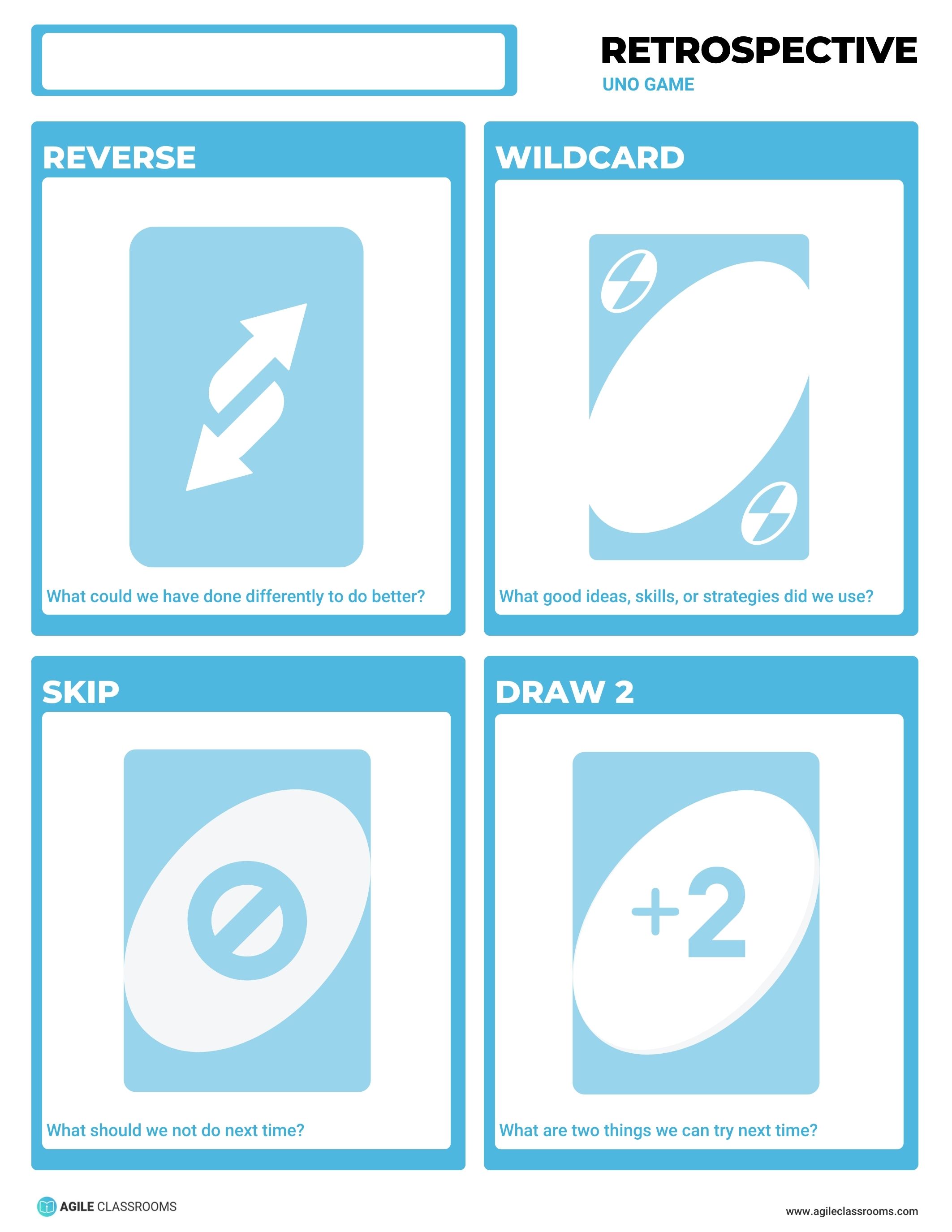
Best used when students need a playful reset on what to stop, reverse, keep, and try.
UNO Game gives students familiar categories:
- Skip — what they should not do next time
- Reverse — what they could have done differently
- Wildcard — good ideas, skills, or strategies they used
- Draw 2 — two things they can try next time
This retrospective template works well when students need a quick reset but the conversation would benefit from a lighter tone. It is especially useful in advisory, middle grades, or any classroom where a game metaphor lowers the barrier to reflection.
Run it quickly. Give students one minute per card type, then ask them to choose the most useful Draw 2 ideas for the next round.
Facilitation tip: use Skip carefully. Keep it about actions, habits, or process choices. The goal is to stop an unhelpful pattern, not shame a student.
Adventure Retro
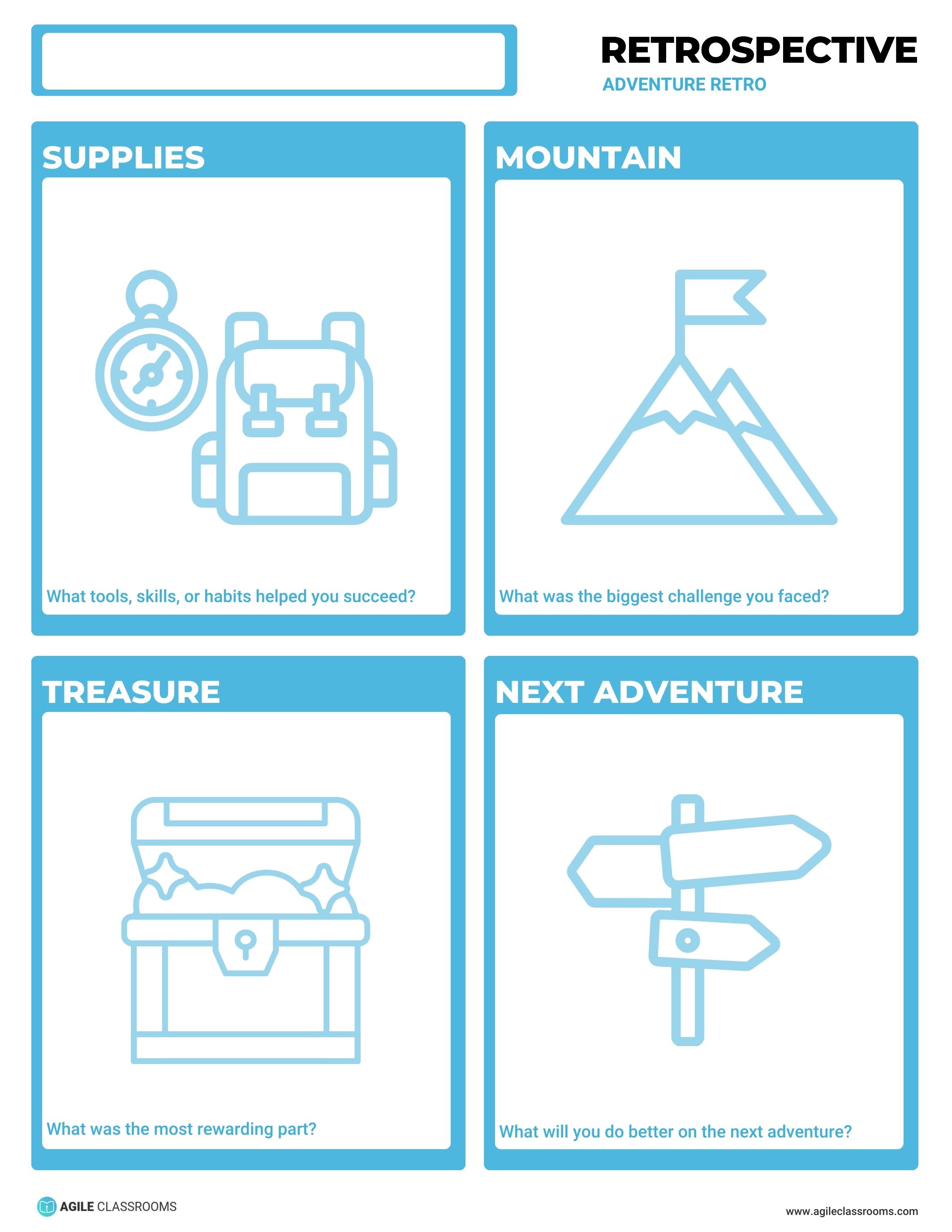
Best used when students finished a project journey and need to name the reward, challenge, support, and next move.
Adventure Retro frames the work as a journey. Students identify:
- Treasure — the most rewarding part
- Mountain — the biggest challenge
- Supplies — tools, skills, or habits that helped
- Next Adventure — what they will do better next time
This is a strong end-of-project retrospective because it helps students see the whole experience. They can celebrate the reward while still naming the challenge and the supports that made progress possible.
To run it, ask students to write one note for each part of the journey. Then have the group identify which Supplies they should use again and what Next Adventure improvement matters most.
Facilitation tip: do not skip Supplies. Students often remember the final outcome but miss the habits or supports that helped them get there.
Aviators Club
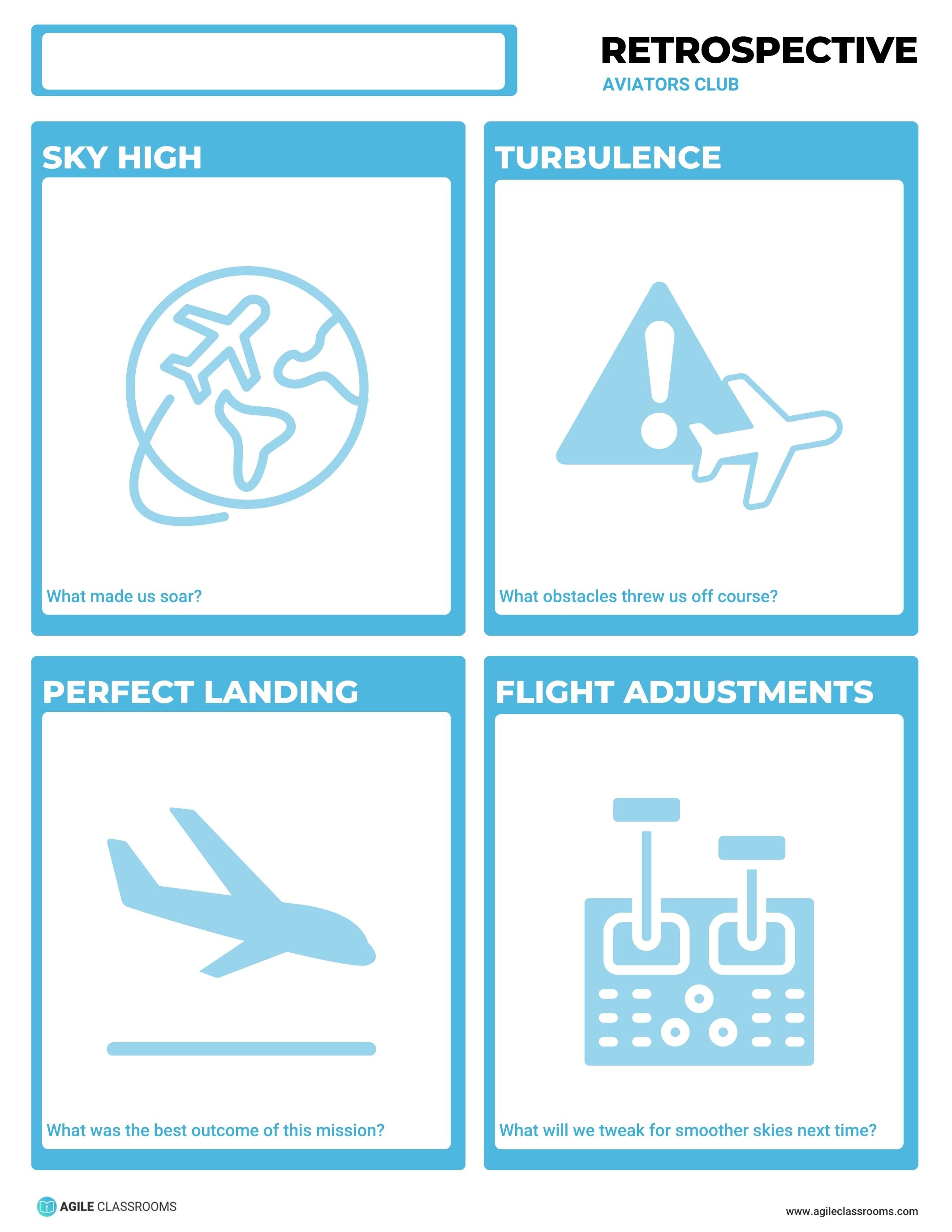
Best used when teams need to separate outcomes, strengths, obstacles, and adjustments.
Aviators Club uses flight language to help students debrief a mission:
- Perfect Landing — the best outcome
- Sky High — what made the team soar
- Turbulence — obstacles that threw the team off course
- Flight Adjustments — what the team will tweak next time
This template works well after presentations, performances, labs, design challenges, or group tasks where students experienced both success and friction. It helps them avoid two common traps: only celebrating the landing or only talking about the turbulence.
Run it by moving in order from outcome to strength to obstacle to adjustment. Close by choosing one Flight Adjustment that can be tested next time.
Facilitation tip: keep Turbulence normal. Every team experiences obstacles. The useful question is not whether turbulence happened, but how the team will adjust.
Glow Grow Throw Go
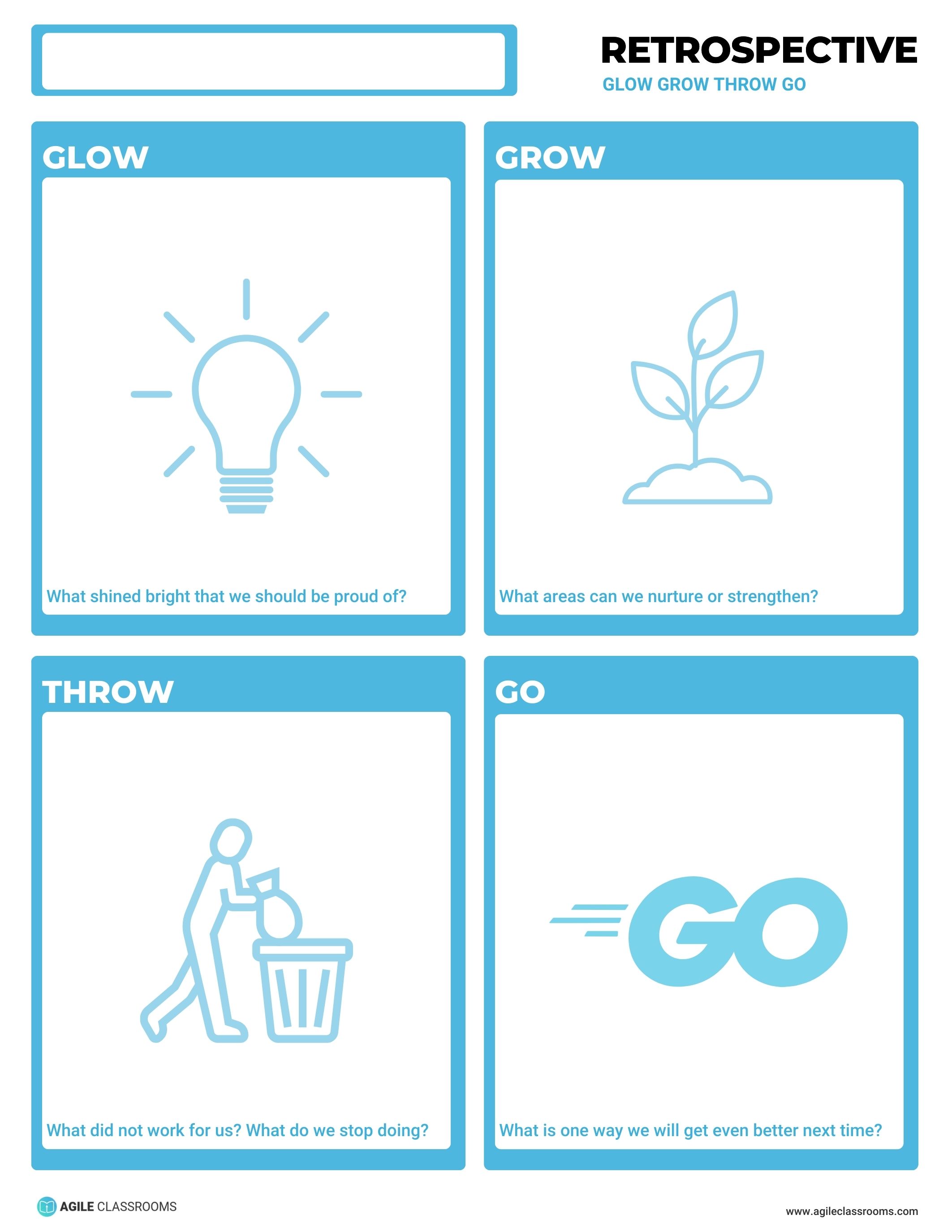
Best used when students need to celebrate, improve, stop, and act.
Glow Grow Throw Go adds one important move to a familiar success-and-growth reflection: Throw. Students name what shined bright, what areas need nurturing, what did not work or should stop, and one way they will get better next time.
Use this when students need an honest but balanced collaborative learning reflection. It keeps the conversation from becoming only positive or only critical. The Throw prompt gives students permission to stop an unhelpful habit, routine, or process.
To run it, collect one response per category. Spend extra time on Throw and Go. Ask students to connect the stopped behavior to the new action.
Facilitation tip: make sure Go is not disconnected from Throw. If students decide to stop rushing final work, the Go might be a five-minute quality check before submission.
SOAR
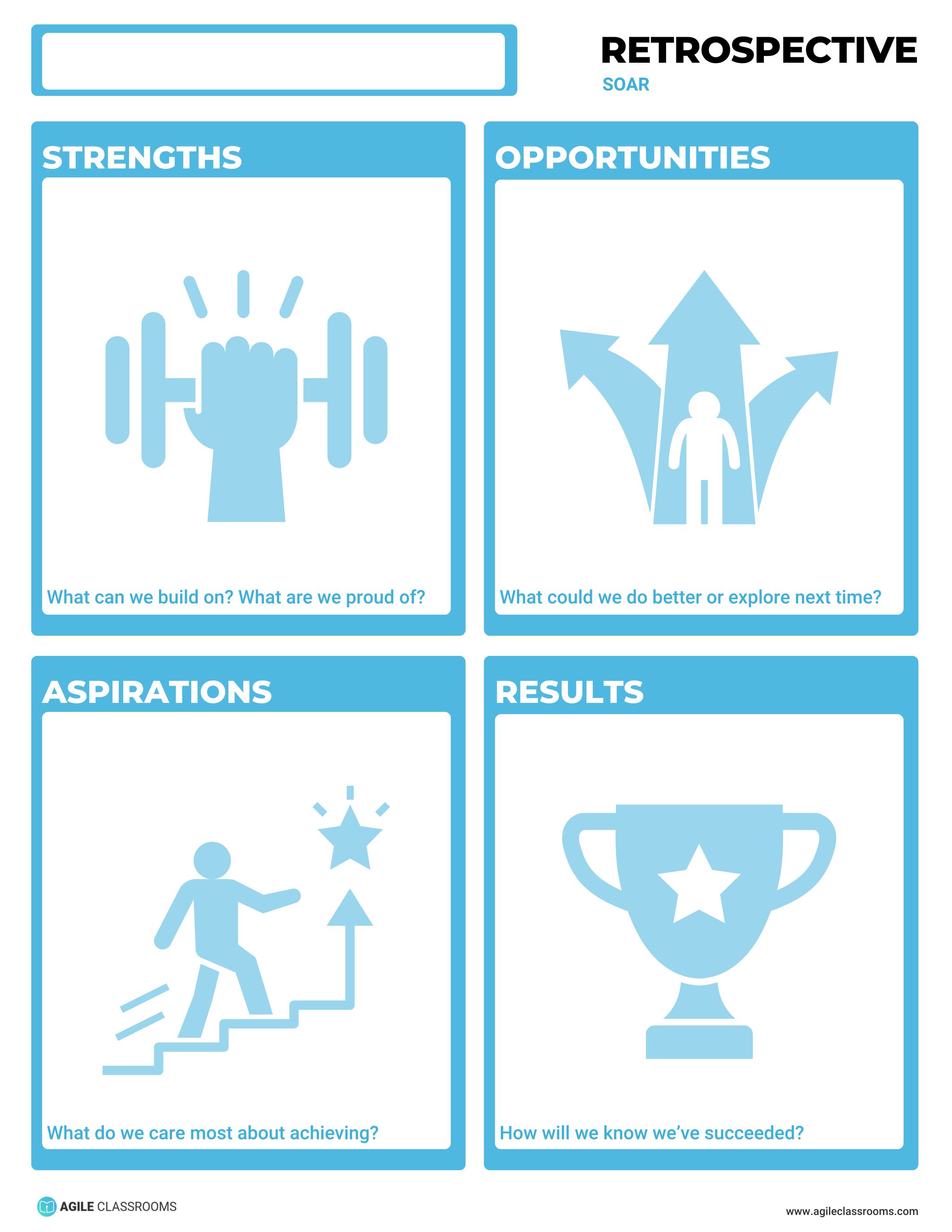
Best used when students need to connect strengths and opportunities to goals and results.
SOAR stands for:
- Strengths — what they can build on
- Opportunities — what they could do better or explore next time
- Aspirations — what they care most about achieving
- Results — how they will know they succeeded
This template is useful when reflection needs to point toward a visible goal. It works well before a new sprint, project phase, capstone milestone, or class improvement target.
Run it by starting with Strengths so students see what they already have. Then use Opportunities to name growth areas. Aspirations should clarify what matters. Results should define what evidence will show progress.
Facilitation tip: Results should be observable. "We will collaborate better" is too vague. "Everyone has a role and we check progress halfway through the work period" is easier to notice and coach.
Top Gun
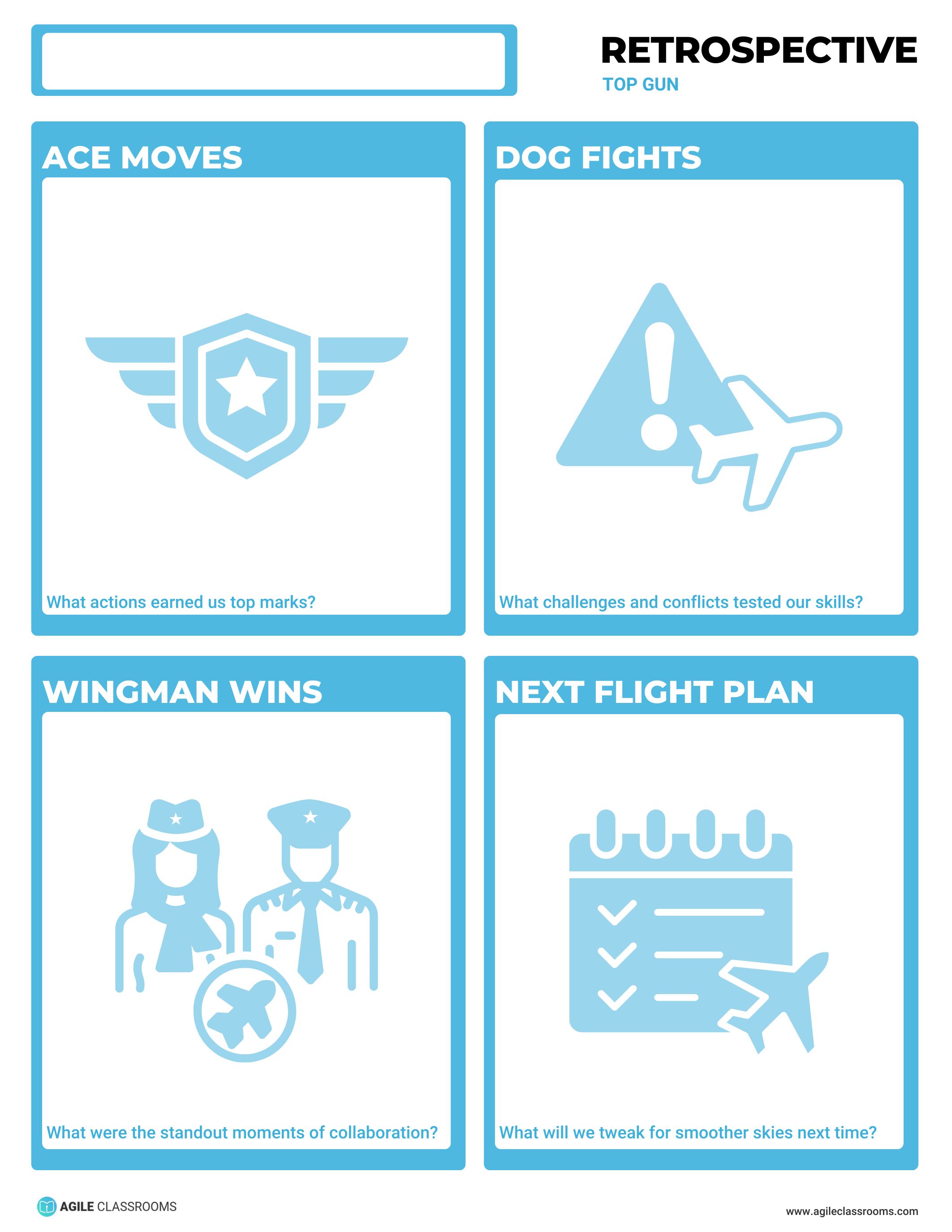
Best used when collaboration included pressure, conflict, or standout teamwork.
Top Gun asks students to reflect on Wingman Wins, Ace Moves, Dog Fights, and the Next Flight Plan. Students name standout moments of collaboration, actions that earned top marks, challenges or conflicts that tested the team, and what they will tweak next time.
This template is better for older students or teams that can discuss conflict constructively. It gives them a way to name tension without making the conversation personal.
Run it by starting with Wingman Wins and Ace Moves so the team recognizes effective collaboration. Then move into Dog Fights with clear norms: name the situation, not the person. End with the Next Flight Plan.
Facilitation tip: if students describe conflict, ask what agreement or process would help next time. The goal is not to relive the conflict. The goal is to improve how the team handles pressure.
Galactic Journey
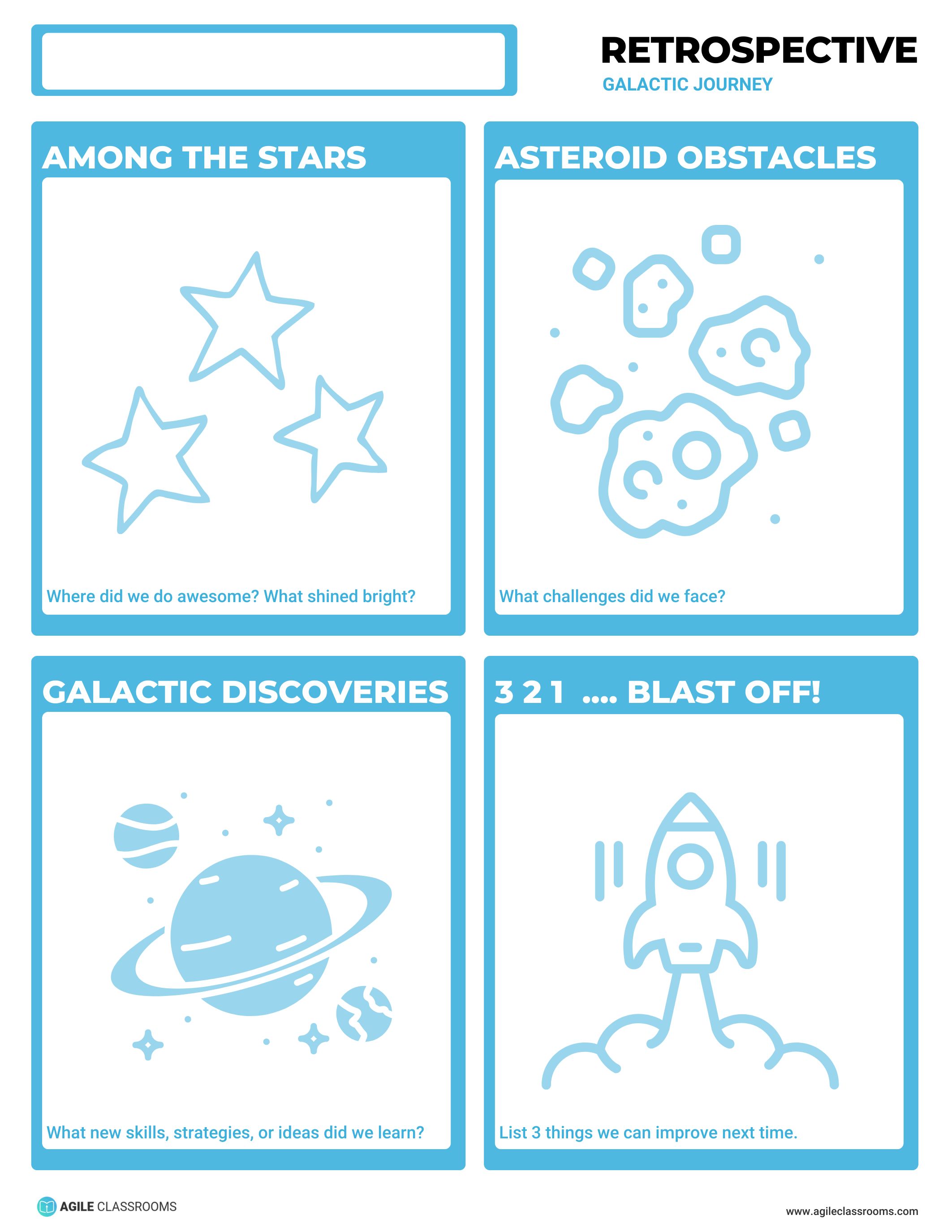
Best used when students are closing a unit, project, expedition, or learning sprint.
Galactic Journey helps students look back across a bigger stretch of work:
- Galactic Discoveries — new skills, strategies, or ideas
- Among the Stars — where students did well
- Asteroid Obstacles — challenges
- Blast Off — three things students can improve next time
This template works well when the work had multiple phases and students need to see the full arc. It can help a class close a unit or help teams prepare for a new project cycle.
Run it by asking students to identify discoveries before obstacles. Then use the three Blast Off improvements to narrow the next learning goals.
Facilitation tip: three improvements can become too many if they are vague. Ask students to choose one priority improvement if the list feels unrealistic.
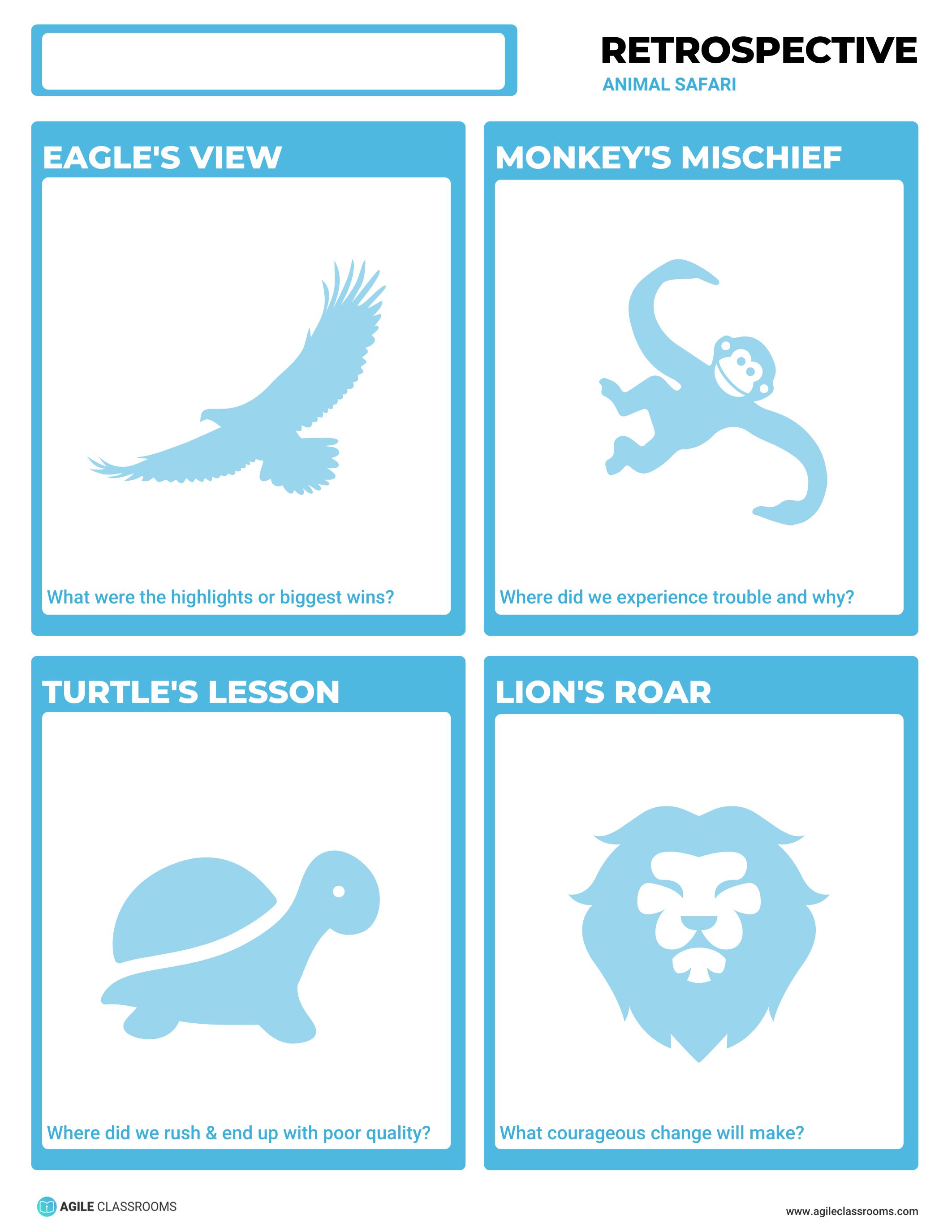
Animal Safari
Best used when students need playful language for pace, wins, trouble, and courage.
Animal Safari asks students to reflect through four images:
- Turtle's Lesson — where they rushed and quality suffered
- Lion's Roar — what courageous change they will make
- Eagle's View — the highlights or biggest wins
- Monkey's Mischief — where trouble happened and why
This template can work well with younger students or hesitant groups because the animal metaphors make reflection feel approachable. It also helps students talk about quality and trouble without starting with blame.
Run it with drawings, sticky notes, or short written responses. Ask students to name one Turtle's Lesson and one Lion's Roar for the next round.
Facilitation tip: ask students to connect each animal response to one action they can try next time. The metaphor should make reflection easier, not replace the improvement step.
Keep the Retrospective Lightweight
The best classroom retrospective is the one students can actually use.
You do not need a long protocol. Pick one template, give students quiet thinking time, ask for specific examples, and end with one improvement goal. Then revisit that goal the next time students work together.
That is how student reflection becomes more than a closing activity. It becomes a small feedback loop students can use to improve how they learn, work, and collaborate.
Start With One Template
Choose the reflection conversation your students need next: a quick win-and-next-step closeout, a behavior reset, a safer way to name challenges, or a deeper look at collaboration.
Start with one template from the Retrospective Templates for Students collection and run it after your next project, group task, lab, or learning sprint. If you want the full facilitation structure behind the activity, pair the template with the Routine Guide: Retrospective.
You do not need to run every template. Start with the reflection conversation your students need most right now.