Feedback is useful only when people can turn it into action. In classrooms, teams, and projects, feedback often arrives as scattered comments: some encouraging, some confusing, some hard to hear.
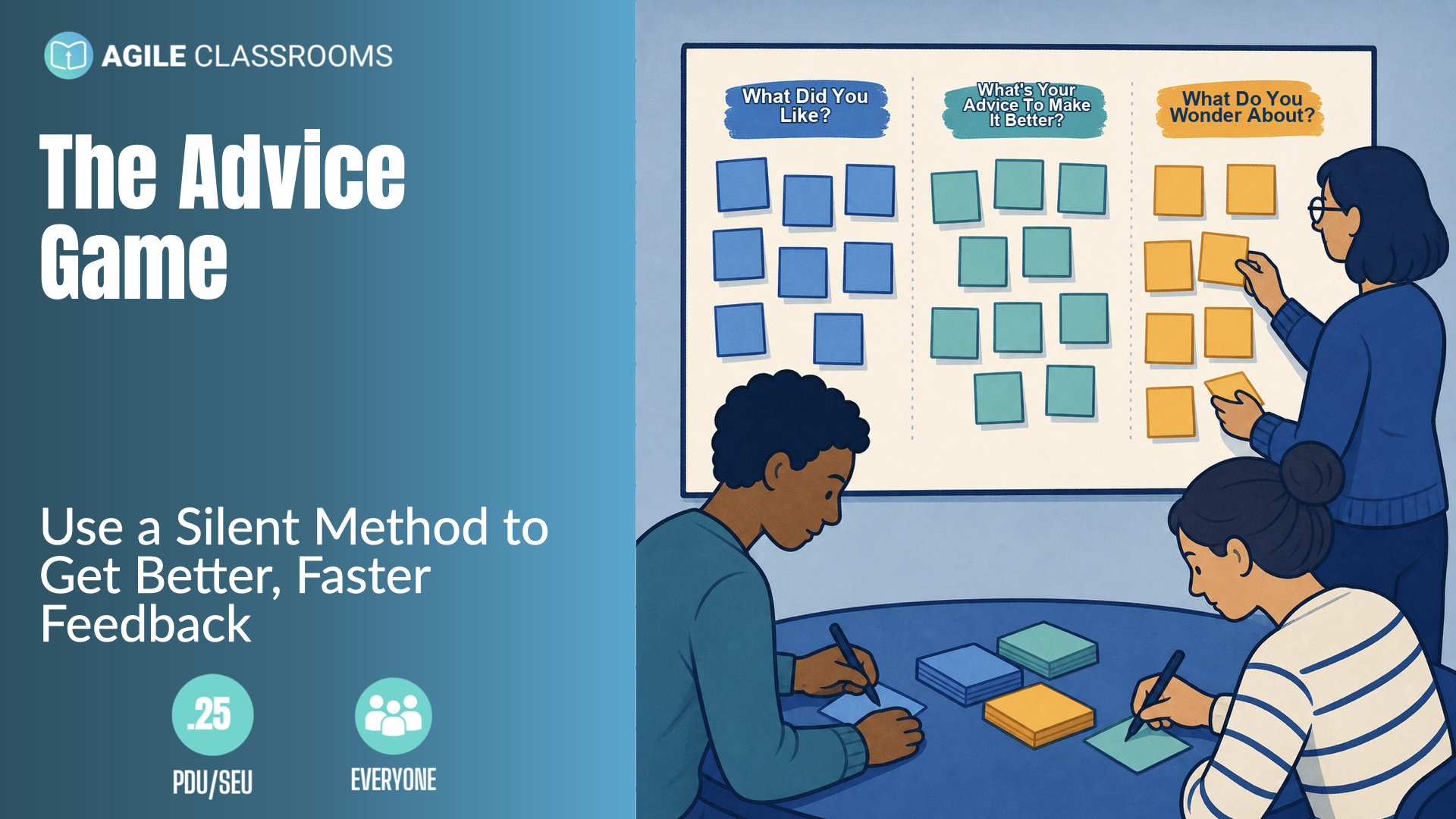
The Advice Game helps people collect better feedback. The Insight Game is the next move. It gives a group a simple way to sort what they heard, name what changed, and decide what to improve next.
How The Insight Game Works
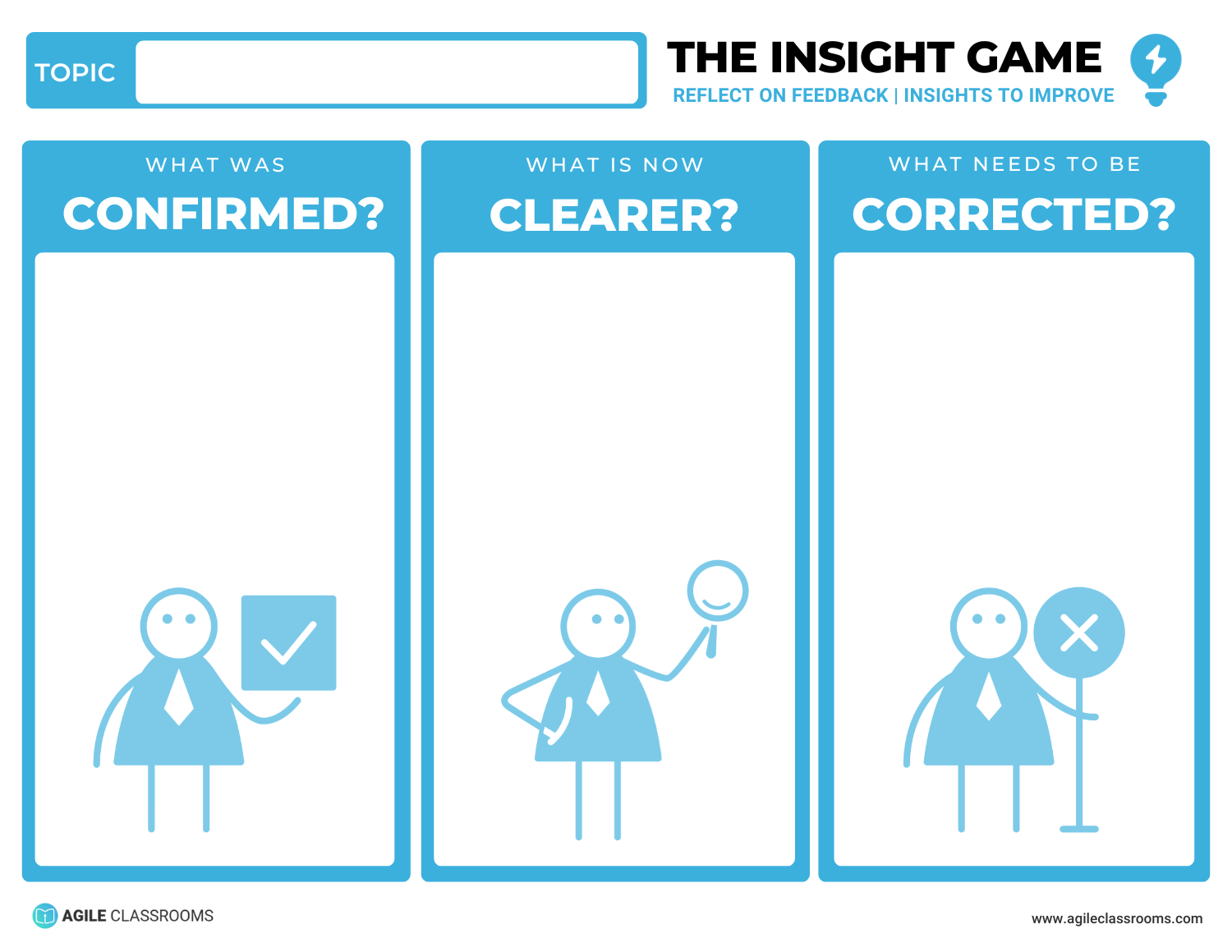
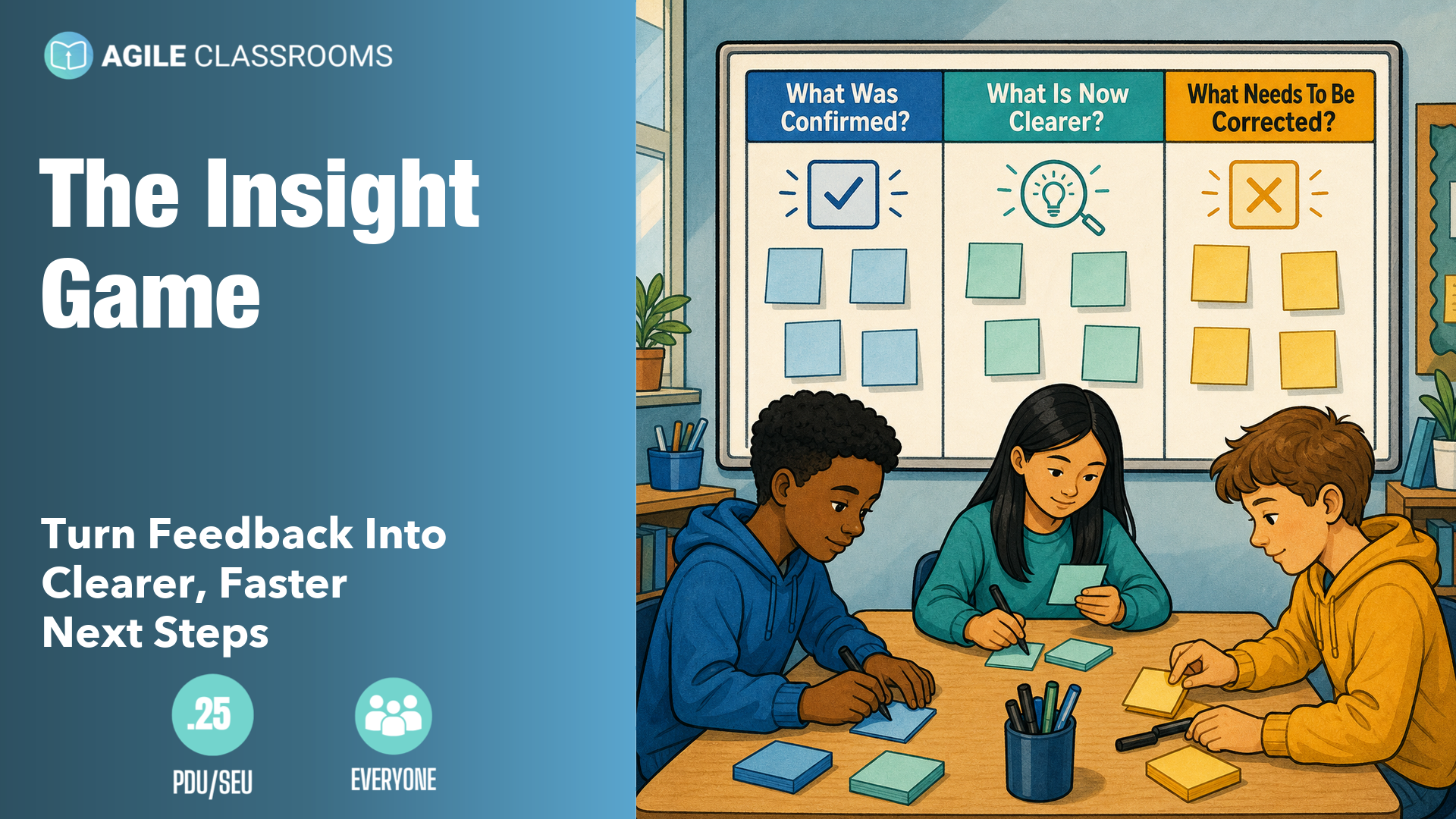
After a feedback round, pause before jumping into fixes. Ask three questions and write the answers where the group can see them.
- What was confirmed? What did the feedback tell us we are already doing well and should keep doing?
- What is now clearer? What uncertainty did the feedback reduce?
- What needs to be corrected? Where were we wrong, incomplete, or missing something important?
Those three questions keep feedback from becoming a pile of opinions. They separate reinforcement, learning, and correction so the next step is easier to choose.
Get the free Insight Game template.
Practical Examples
The examples below continue from The Advice Game: one classroom example and one product-team example. In both cases, the group has already gathered advice. Now they need to make sense of it.
For Educators
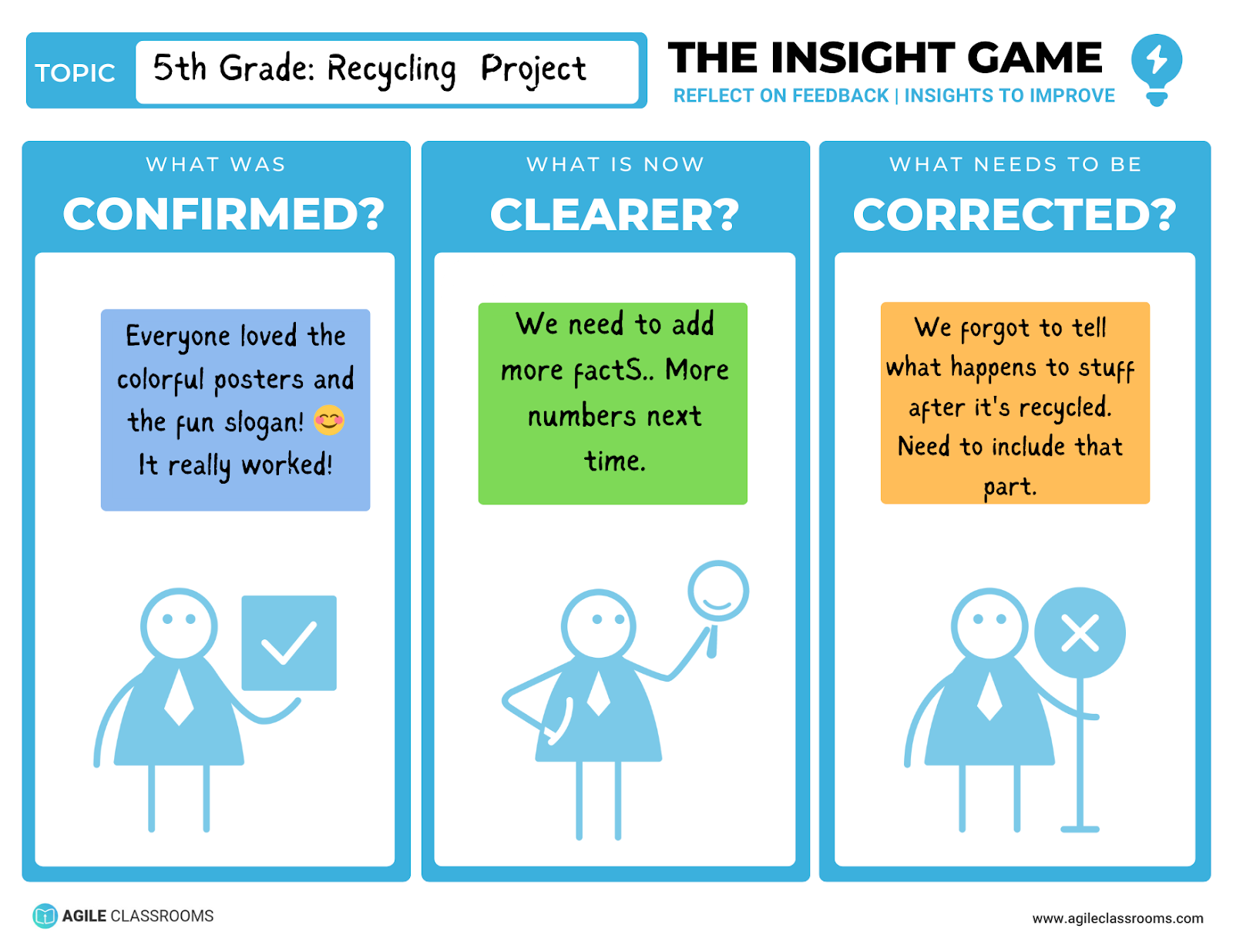
Mrs. Patel's 5th-grade class gathered feedback on their recycling project. Here is how they used The Insight Game to turn the feedback into next steps.
- What was confirmed? The colorful posters and simple slogan worked. Students should keep using clear visuals and memorable language.
- What is now clearer? The audience wanted more facts and numbers. The next version needs stronger evidence.
- What needs to be corrected? The project did not explain what happens after materials are recycled. That missing part should be added.
For Product And Project Teams
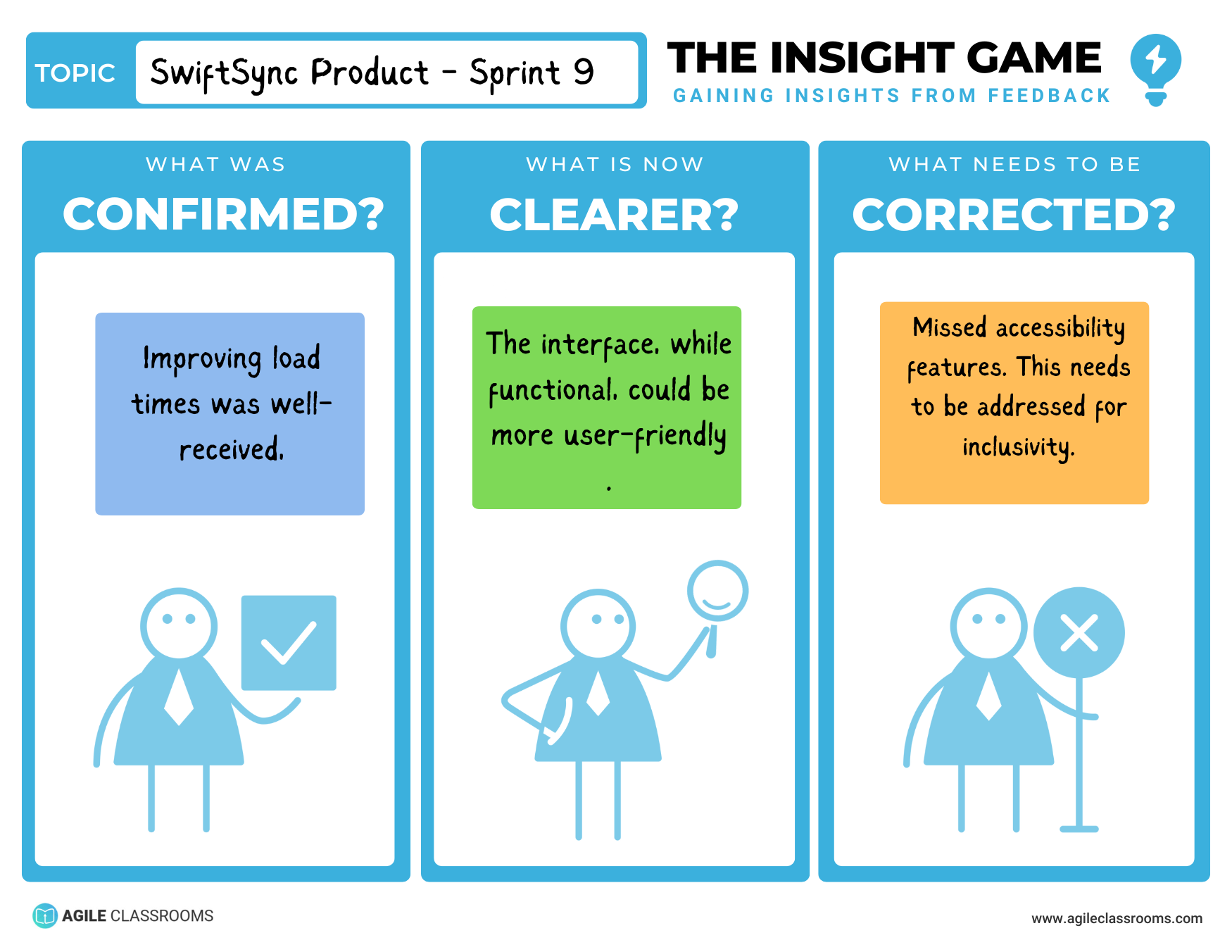
A product team used The Advice Game during a Sprint Review for a mobile app. The Insight Game helped them translate the feedback into development priorities.
- What was confirmed? Performance improvements mattered. Users noticed the faster load times.
- What is now clearer? New users needed more guidance. Tooltips and clearer navigation would reduce confusion.
- What needs to be corrected? Accessibility for visually impaired users had been under-addressed. That became an immediate improvement priority.
That became an immediate improvement priority for the next development cycle.
Download The Insight Game Template
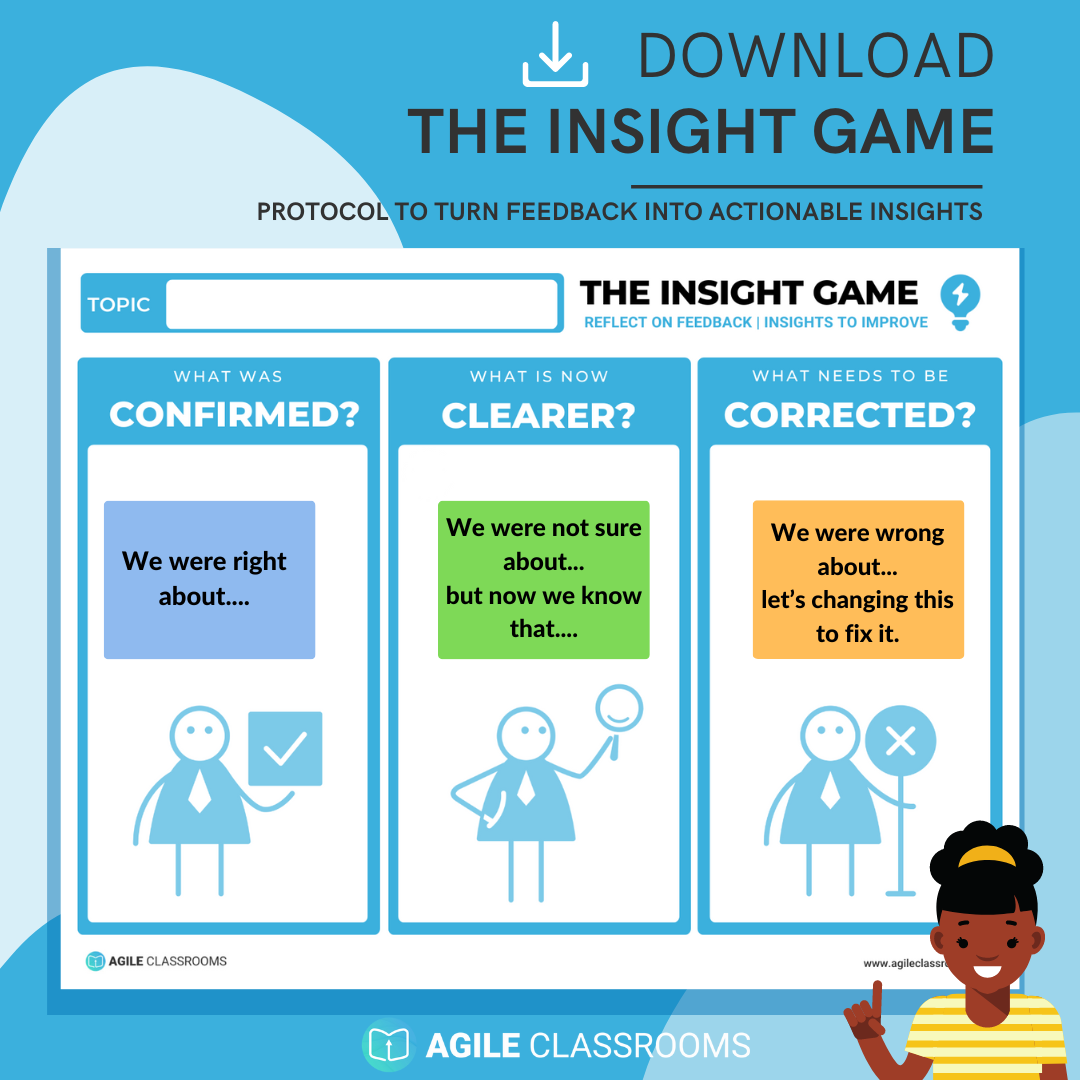
Use the template after a critique, review, retrospective, gallery walk, Sprint Review, student presentation, or any moment where feedback needs to become action.
Get the free Insight Game template.
Why Use The Insight Game?
Feedback often fails because the group tries to discuss everything at once. The Insight Game slows that moment down just enough to make it useful. It helps people protect what is working, clarify what they now understand, and correct what needs to change.
The result is not just a better conversation. It is a clearer next step.